Case Split
Resolve Cases Efficiently
By VicassoAgent Productivity
- Rating
- 4.9
- Reviews
- 13
- Pricing
- Paid
- From $10 per user per month
- Listed since
- 2013
About Case Split
Separate unrelated issues into their own cases
When customers raise multiple issues in a case, it is harder to route and resolve. Metrics such as initial response time, SLA attainment, and total resolution time are less accurate when cases are open longer due to unrelated issues.
Case Split breaks multi-issue cases into separate cases. Each issue gets its own owner, lifecycle, and metrics. Agents choose which emails, attachments, comments, and custom objects move to the new case. Cases can also be split into an existing case that's already in progress.
The result is cleaner data, faster resolution, and accurate KPIs. Case Split is 100% native to Salesforce, supports standard and custom objects, and is part of the Service Experience Suite.
Highlights
- 🟣 One Issue Per Case Eliminate scope creep by keeping every case focused on a single issue. Communication threads stay shorter, cleaner, and easier to resolve.
- 🟣 Metrics You Can Trust Resolution time, handle time, and SLA attainment reflect actual performance when each case tracks one issue.
- 🟣 AI Readiness Clean, single-issue case records give Agentforce and AI Agents the focused context they need to deliver accurate, reliable answers.
- 🟣 Data Governance Split cases link back to the original case, so the audit trail holds. Full visibility into what was split, where it went, and what moved with it.
- 🟣 Control What Moves Choose which emails, attachments, case comments, case team members, and custom objects are copied to the new case. Configure whether originals are preserved or deleted after splitting.
- 🟣 Multiple Streams of Work Teams run quotes, escalations, and billing on the case object. When parallel work lives on one case, SLAs and ownership get tangled. Case Split gives each stream its own case, owner, and SLA, linked back to the original.
- 🟣 Split From Anywhere 100% Salesforce native. Reps can split cases from anywhere in your org without switching screens.
- 🟣 Split Into New or Existing Cases Split into a brand-new case or into an existing case that's already in progress. Set the owner, contact, subject, and other field values during the split.
- 🟣 Flexible Configuration Admins control which related objects can be copied to the new case and which users have access to split.
Screenshots
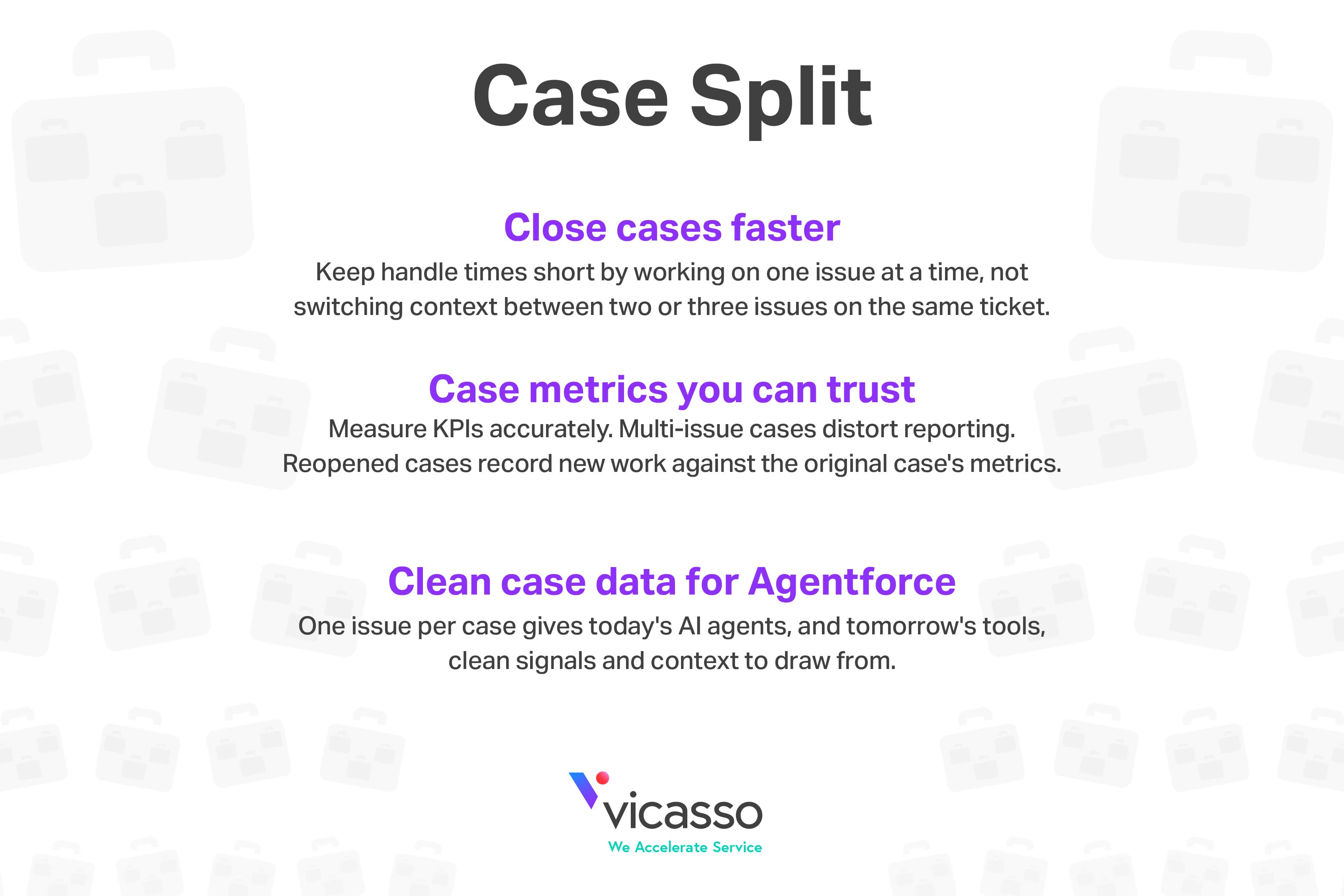
Image 1 of 11
Pricing
Paid, from $10 per user per month.
| Plan | Price | Billed | Free trial |
|---|---|---|---|
| Case Split | $10 per user | Monthly | 14 days |
| Guided Setup | $1,175 per org | One time | None |
14-day free trial. $1,800 contract minimum includes 15 users. Contact us to discuss pricing details for Service Experience Suite, bundling, volume, and term. Call +1 609.570.7200.
The publisher offers discounts.
Compatibility
- Works with
- Sales Cloud
- Service Cloud
- Government Cloud
- Salesforce editions
- Professional
- Enterprise
- Unlimited
- Performance
- Developer
- Lightning Experience
- Supported
- Salesforce mobile app
- Not supported
- Salesforce security review
- Passed on March 3, 2021
- Industries
- Horizontal Product
- Languages
- English
More Agent Productivity apps
The most reviewed Agent Productivity apps on the AppExchange, to compare before you choose.