CV Files
Google Drive, OneDrive Integration, Document and File Management
By CloudVandana SolutionsAgent Productivity
- Rating
- 5.0
- Reviews
- 3
- Pricing
- Paid
- From $4.9 per user per month
- Listed since
- 2022
About CV Files
Google Drive, Shared Drive and OneDrive Files and Document Management
CV Files – Google Drive & OneDrive Integration for Salesforce Smart File Management. Lower Costs. Better Collaboration. Smarter Workflows.
Files are scattered across Salesforce, Google Drive, OneDrive, and desktops. Teams waste time searching and risk hitting expensive Salesforce storage limits. A seamless integration that connects Google Drive, Shared Drive, and OneDrive to Salesforce— now with powerful automation to reduce manual effort and streamline operations.
1. Link cloud folders to any Salesforce record 2. Upload documents directly to Drive or OneDrive 3. Share files with clients or internal teams securely 4. Auto-create folders based on object or record type 5. Set default folders for faster file access 6. Automate file and folder actions triggered by Salesforce Flows or record updates. 7. Auto-upload files from Salesforce to Google Drive.
Highlights
- UPLOAD FILES & LINK EXISTING DRIVE FILES & FOLDERS 1. Instantly attach any existing Google Drive file or folder to any Salesforce record—no uploads or duplicates. 2. Drive permissions stay intact while the asset becomes searchable inside Salesforce.
- FOLDER AND FILE CREATION 1. Create sub-folders from Salesforce within your folder structure 2. Automate folder creation via Flows based on object or record type 3. Link existing Google Drive files or folders to any record—no re-upload needed
- Supports All Standard & Custom Objects Compatible with all Salesforce standard objects, custom apps on Force.com, and AppExchange solutions.
- SINGLE SOURCE OF TRUTH Say goodbye to scattered files—CV Files links all documents to Salesforce records so your team finds everything in one place, eliminating time wasted searching across Google Drive, OneDrive.
- Save on Salesforce Storage & Time 1. Offload file storage by auto-uploading documents to Google Drive or OneDrive—minimize reliance on costly Salesforce storage. 2. Automate everything—create folders, rename, move and upload files using Salesforce Flows.
- INTEGRATE WITH MY DRIVE/SHARED DRIVE/ONE DRIVE 1. Connect with both Google Drive and OneDrive based on your business needs. Easily access, organize, and manage your files without switching platforms. 2. Choose the cloud storage that suits your workflow.
- MULTI-USER LOGIN 1. Users log in with their Google account to manage Drive files with personal or role-based access. 2. Users can manage their files independently, and—with proper access—preview, rename, download, or edit files directly in Salesforce.
- ALLOW LOGIN ONLY WITH THE COMPANY DOMAIN 1. Restrict users from logging in only via the company domain, OR opening it to every Google User in your company. You Decide. 2. Control Default Access to Editor, Commenter or Viewer
- MISC 1. Compatible with Community, Partner, and Experience Cloud—supported in legacy versions only. 2. No Minimum License Requirements 3. Monthly and Annual Payment Plans
Screenshots
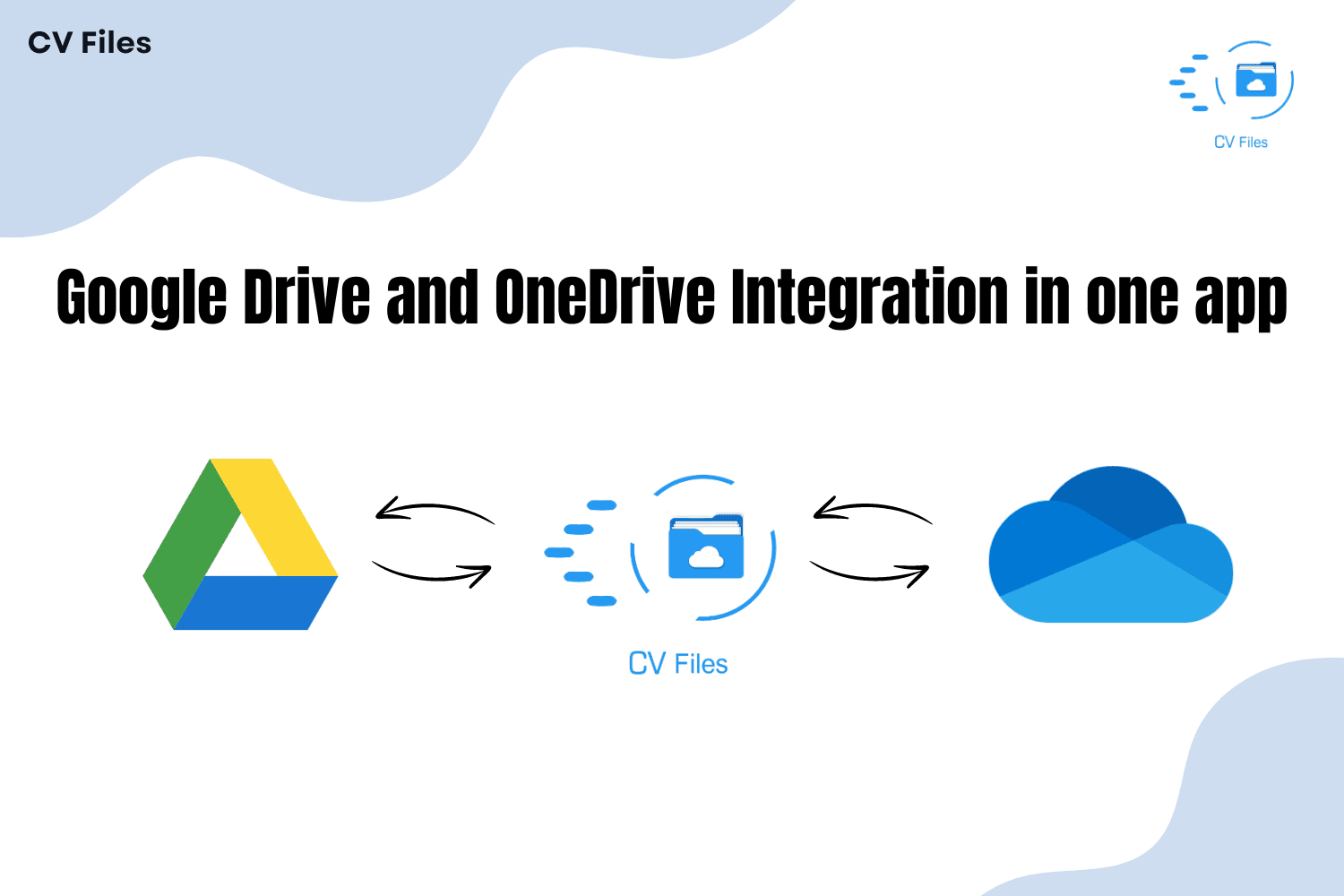
Image 1 of 12
Pricing
Paid, from $4.9 per user per month.
| Plan | Price | Billed | Free trial |
|---|---|---|---|
| Monthly Plan | $4.9 per user | Monthly | 15 days |
| Yearly Plan | $49 per user | Yearly | 15 days |
You get a 15-day trial for 50 Users. There is NO Minimum No. of Licenses you need to purchase. Both Monthly and Annual Plans are Available. Annual Plans are Discounted! Buy Now -> https://cloudvandana.com/cv-files-pricing
The publisher offers discounts.
Compatibility
- Works with
- Sales Cloud
- Platform Cloud
- Experience Cloud
- Requires
- Sales Cloud
- Service Cloud
- Platform Cloud
- Salesforce editions
- Professional
- Enterprise
- Unlimited
- Performance
- Developer
- Salesforce Platform
- Lightning Experience
- Supported
- Salesforce mobile app
- Not supported
- Salesforce security review
- Passed on August 31, 2022
- Industries
- Horizontal Product
- Financial Services
- Media & Entertainment
- Languages
- English
More Agent Productivity apps
The most reviewed Agent Productivity apps on the AppExchange, to compare before you choose.