Magicdog
By Magicdog, Inc.Analytics
- Rating
- Not rated yet
- Reviews
- No reviews yet
- Pricing
- Free
- Listed since
- 2023
About Magicdog
Easily import and analyze data from Salesforce in Google Sheets
Magicdog is a no-code solution that connects Google Sheets™ to various external data sources, automates data imports, and leverages the power of AI to streamline work.
We offer easy integrations to popular platforms like Quickbooks, Salesforce, MySQL, and Postgres databases for seamless data synchronization.
Magicdog ensures that data is up-to-date and accurate with scheduled and manual refreshes.
Magicdog provides AI tools to generate formulas, extract data from text, query databases, and accomplish more within Google Sheets™.
How does it work?
- Install Magicdog: once you install Magicdog, it will be available on any of your existing or new sheets.
- Connect to Salesforce: Simply login with your salesforce account and we'll worry about the rest.
- Import data: Once you're connected, you can import any salesforce Object (Opportunity, Customers, Cases and more), apply filters, limit the response size and even sort the response.
- Keep it refreshed: You can trigger refreshes manually or trigger them to run regularly
- Supercharge with AI: extract relevant data, generates summaries and more with AI.
Highlights
- ► Seamless Integration Effortlessly connect your Quickbooks, Salesforce accounts, or MySQL and Postgres databases (and a lot more options coming soon) with a single click. Import data from multiple sources and keep it updated.
- ► Automation Save hours every week with fully automated updates to your sheets, eliminating the need for manual copy-pasting or complex importrange. Keep your data up-to-date and accurate with scheduled refreshes.
- ► AI Tools Harness the power of AI to generate formulas, extract data from text, query databases, and accomplish more within Google Sheets™. Utilize ChatGPT for generating text summaries, descriptions, and other content.
- ► Security Magicdog prioritizes data security, ensuring that your sensitive information remains safe. We never store your data, providing you with peace of mind.
Screenshots
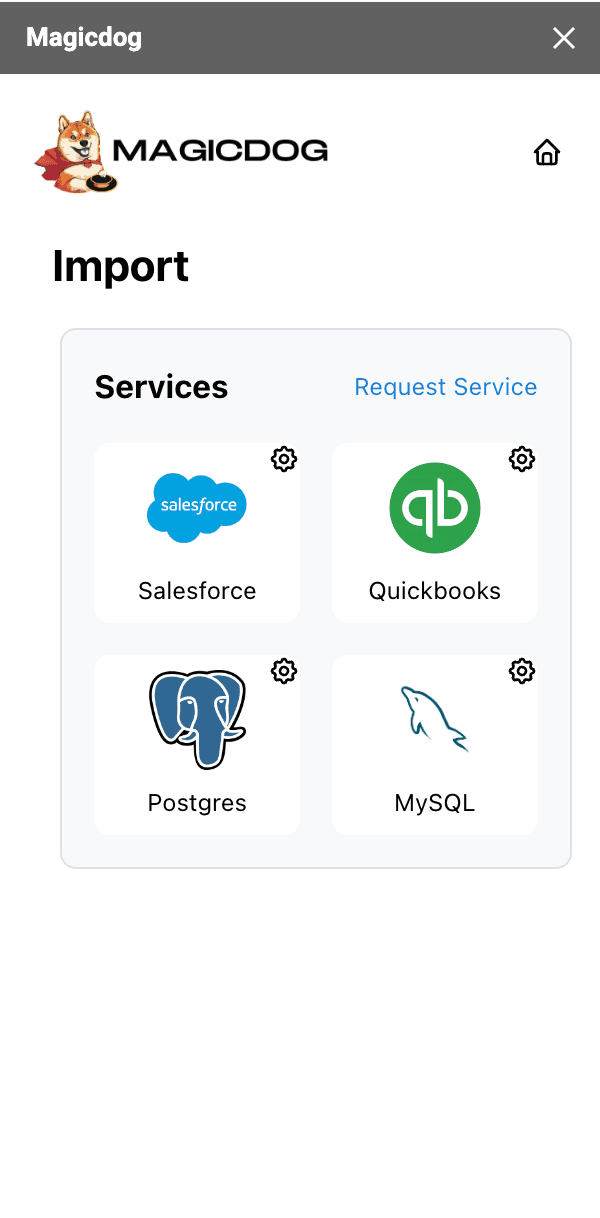
Image 1 of 4
Pricing
Free.
Compatibility
- Works with
- Sales Cloud
- Service Cloud
- Marketing Cloud
- Requires
- Sales Cloud
- Salesforce editions
- Essentials
- Professional
- Enterprise
- Unlimited
- Performance
- Lightning Experience
- Not supported
- Salesforce mobile app
- Not supported
- Salesforce security review
- Passed on June 8, 2023
- Languages
- English
More Analytics apps
The most reviewed Analytics apps on the AppExchange, to compare before you choose.