S-Drive
Document Management, Large File Storage & OCR for Salesforce
By CyanGateDocument Management
- Rating
- 5.0
- Reviews
- 56
- Pricing
- Paid
- From $1,500 per company per year
- Listed since
- 2009
About S-Drive
Manage, store, OCR & e-sign Salesforce documents in your own cloud.
✔ Streamline Document Management in Salesforce with S-Drive: Securely organize, manage, and extract insights from your documents using advanced AI and intuitive file folder systems—all within Salesforce. ✔ Smart File Management: Stay organized with a file folder system tailored to your needs. Generate folders automatically. ✔ AI-Driven Data Extraction: Automate the extraction of key details from your documents to reduce manual effort and improve accuracy. ✔ Records Management:
- Retention policies for files, images, and videos
- Check-in/Check-out any content for versioning
- Place Legal Hold to retain documents for litigation
- Generate secure links to share files and folders
- Advanced file security and reports
✔ Microsoft 365 Integration: Collaborate seamlessly on Word, Excel, and PowerPoint files directly in S-Drive, eliminating the need for multiple tools and reducing errors. ✔ Simplified Document Collection: Collect client documents faster with DocuFetch’s easy-to-use interface. ✔ E-Signature Support ✔ Desktop Experience: Work locally using different solutions, and browse, update, delete, and upload documents from Windows Explorer and your desktop applications.
Highlights
- Native Salesforce Document Management Store and share files in structured folders with custom metadata, version control, and global or record-level search. Files remain secure in your own AWS S3 or Google Cloud Storage with seamless access in Salesforce.
- Unlimited File Storage in your own AWS S3 or Google Cloud Cut Salesforce costs by offloading files and attachments to your own AWS S3 and GCP storage. Pass the 2GB file limit with ease. Keep your customer data in their geographic location.
- AI-Powered Data Extraction for Salesforce Extract structured data like names, dates, and totals from scanned forms, contracts, and IDs using Azure AI. Automatically populate Salesforce fields to eliminate manual data entry and unlock actionable insights.
- Enterprise Security With HIPAA attestation, SOC 2 Type 2 compliance with external audits, Salesforce Shield, and retention & legal hold, you can be confident that your content is secure.
- Simplify File Organization Automatically generate default folder structures to manage your files within Salesforce records. Keep your documents organized, accessible, and secure without leaving the platform. Best alternative for Salesforce Files.
- Secure Cloud Storage (S3 & GCS) Store all your documents in your own AWS S3 or Google Cloud account with full encryption. Maintain total control over storage policies and access while meeting HIPAA, SOC2 natively within Salesforce.
- Microsoft 365 Integration Edit Word, Excel, and PowerPoint files directly in Salesforce with full version history. Collaborate live, reduce duplicate work, and avoid tab overload by keeping your Microsoft docs tied to relevant Salesforce records.
- OCR (Document AI) Auto-populate Salesforce fields using OCR and AI. Extract text and data from scanned documents, images, or forms. Convert unstructured content into actionable, searchable records—boosting accuracy, speed, and compliance.
- eSignature & Approvals Send documents for secure eSignature using Salesforce-native approval workflows. Automatically track status, trigger follow-ups, and archive signed copies directly in the correct record—streamlining your entire sign-off process.
Screenshots
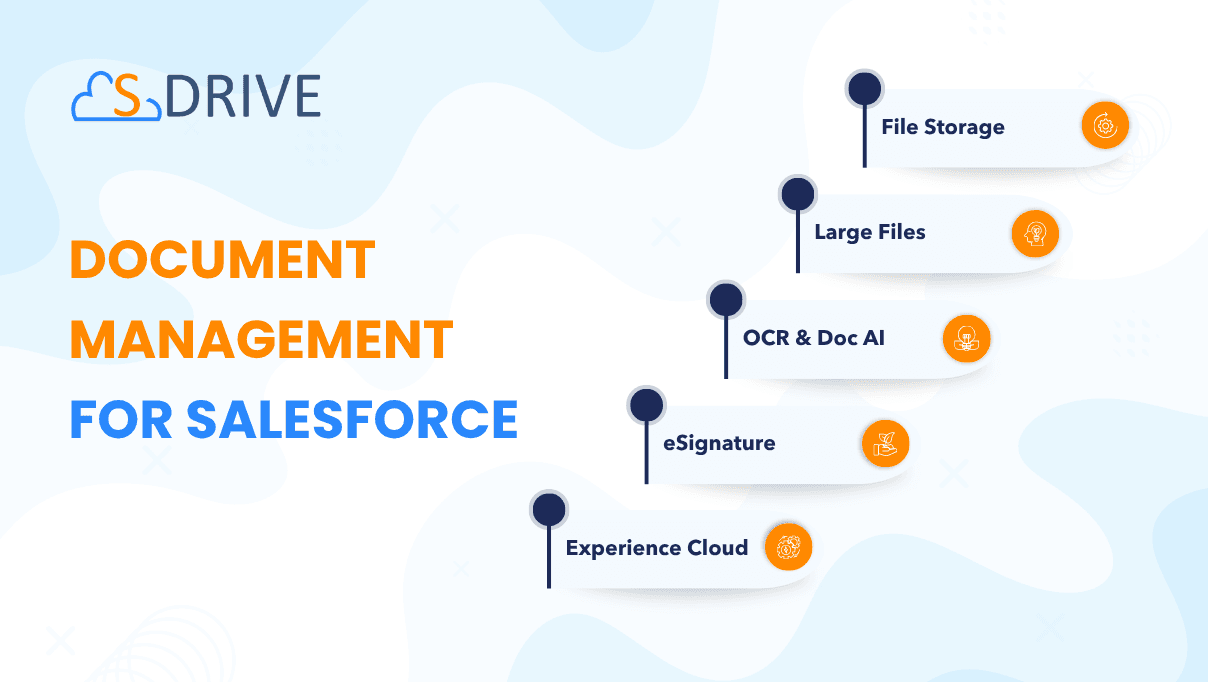
Image 1 of 13
Pricing
Paid, from $1,500 per company per year.
| Plan | Price | Billed | Free trial |
|---|---|---|---|
| Starter | $1,500 per company | Yearly | 15 days |
Tiered pricing and Enterprise pricing available, please contact us. First 1GB is always FREE, no payment required for first 15 days. No setup fees. For more information, visit SDRIVEAPP.COM and contact us.
The publisher offers discounts.
Compatibility
- Works with
- Sales Cloud
- Service Cloud
- Experience Cloud
- Salesforce editions
- Professional
- Enterprise
- Unlimited
- Performance
- Developer
- Salesforce Platform
- Lightning Experience
- Supported
- Salesforce mobile app
- Supported
- Salesforce security review
- Passed on January 16, 2024
- Industries
- Education
- Financial Services
- High Tech
- Languages
- English
- French
More Document Management apps
The most reviewed Document Management apps on the AppExchange, to compare before you choose.