CloudFiles Document Management
Connect SharePoint, AWS S3, Azure, Google Drive
By CloudFilesDocument Management
- Rating
- 5.0
- Reviews
- 169
- Pricing
- Paid
- Listed since
- 2022
About CloudFiles Document Management
Connect Salesforce with SharePoint, AWS S3, Azure Blob & Google Drive
Use CloudFiles for advanced Salesforce SharePoint integration & document management. Also integrates with Google Drive, OneDrive, AWS S3, Azure Blob, Box & Dropbox.
What’s the best way to access SharePoint files in Salesforce? CloudFiles provides a file browser inside Salesforce so users can open, upload and organize SharePoint files directly from records.
How do I link SharePoint files and folders to Salesforce records? CloudFiles lets users browse and select existing SharePoint files and folders and link them to records while keeping SharePoint as the source of truth.
How do I automatically create SharePoint folders from Salesforce? CloudFiles offers Flow actions and Apex support to create folders based on record data and relationships.
How do I move Salesforce files to SharePoint and reduce storage? CloudFiles enables record-triggered or scheduled Flows to upload files and reduce Salesforce storage.
Supports metadata sync, deep folder hierarchies & Experience Cloud.
✔ SOC 2 Type II, ISO 27001 certified. GDPR compliant ✔ Secure HIPAA document storage & sharing ✔ All file types supported ✔ Discounts for nonprofits ✔ 24x7 support ✔ 1,200+ teams
Free trial. Set up in mins.
Highlights
- SharePoint files on Salesforce records, standard and custom objects Preview, upload and organize documents on Opportunities, Accounts, Cases and any custom object without leaving Salesforce. CloudFiles keeps file references and activity on the Salesforce
- Salesforce document storage on SharePoint, OneDrive, Google Drive, S3 or Box Every Salesforce document lives in storage your company already owns and governs, and appears on the record where your team works. Storage permissions mirror Salesforce team memb
- Document automation for Salesforce, built on your own SharePoint CloudFiles Document Management searches your libraries from Salesforce, syncs metadata between Salesforce fields and file properties, and gives every record a folder named and placed by the
- Bi-directional SharePoint sync for Salesforce custom objects Connect any custom object to a SharePoint document library. Folders are created with the record, changes are reflected both ways, and every action is available to Flow and Apex for the builds th
- Share Salesforce documents externally with no SharePoint login Expiring links with view, download and password controls, branded portals for customers, vendors and partners, and a record of who opened what. Any link can be revoked from Salesforce after it
- Document engagement analytics inside Salesforce See who opened a document, what they downloaded and which pages they read, on the record and in Salesforce reports, so document activity sits next to the opportunity it belongs to.
- Automate SharePoint folder creation and file upload from Salesforce Create folders, move files and apply your own naming rules from Flow, Apex or the API. The folder structure follows the record, so it still makes sense a year later without an admin maint
- SharePoint document access for Experience Cloud and portal users Partners and customers reach the documents they should see inside your community, with permissions and sharing controls set in Salesforce, and no storage account of their own to hold.
- ISO 27001 certified, SOC 2 Type II audited, HIPAA and GDPR compliant Certified to ISO 27001:2022, ISO 27017:2015 and ISO 27018:2019, and independently audited for SOC 2 Type II. Compliant with HIPAA and GDPR, with data residency in the US, EU, UK or Austr
Screenshots
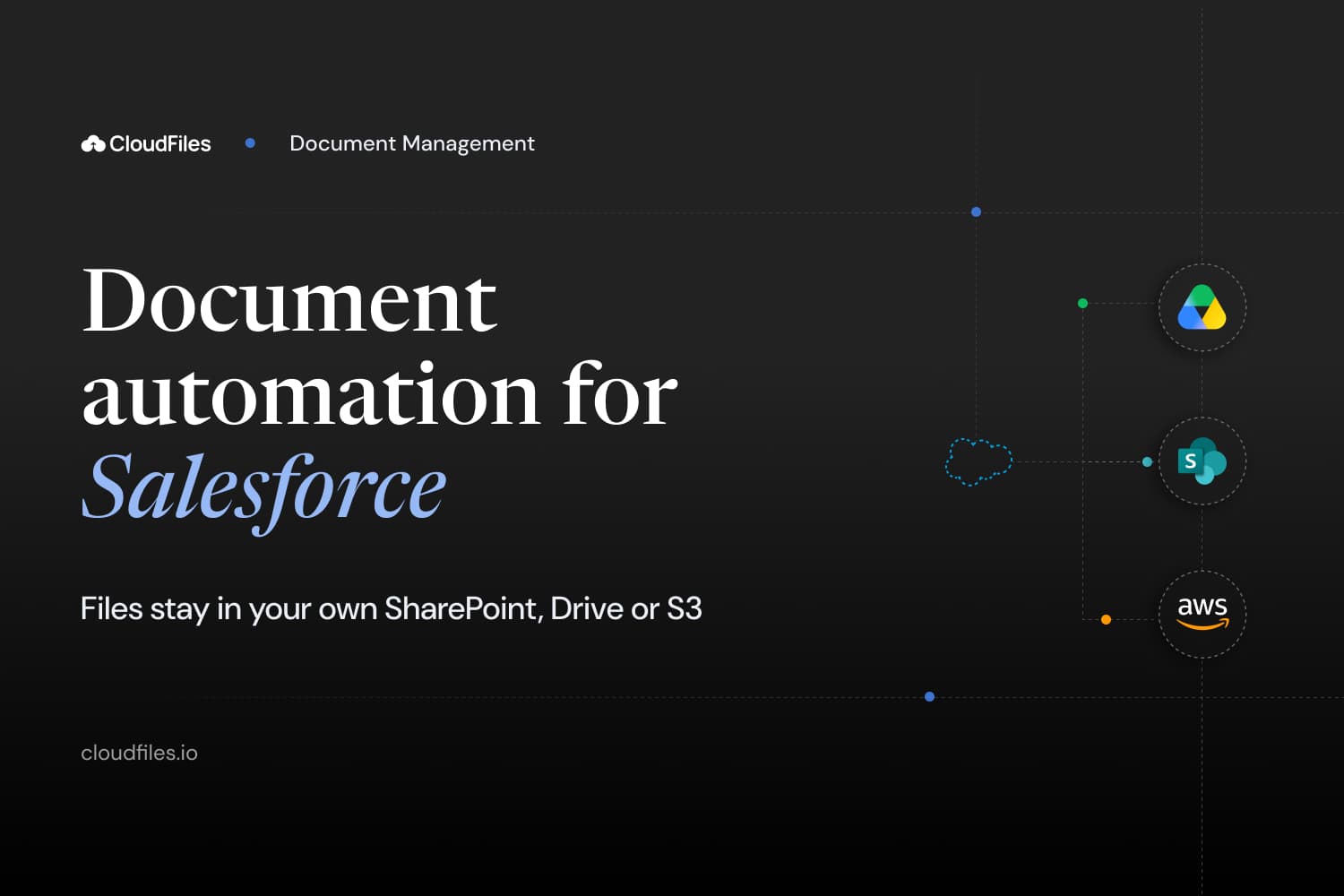
Image 1 of 8
Pricing
Paid.
- Volume discounts for large teams - Org based pricing available for large teams - 14-day free trial For pricing information, please visit - https://www.cloudfiles.io/pricing
Compatibility
- Works with
- Sales Cloud
- Service Cloud
- Experience Cloud
- Requires
- Sales Cloud
- Service Cloud
- Experience Cloud
- Einstein 1
- Salesforce editions
- Enterprise
- Unlimited
- Performance
- Developer
- Lightning Experience
- Supported
- Salesforce mobile app
- Supported
- Salesforce security review
- Passed on August 2, 2022
- Industries
- Automotive
- Financial Services
- Healthcare & Life Sciences
- Languages
- Arabic
- English
- French
- German
- Japanese
- Korean
- Spanish
More Document Management apps
The most reviewed Document Management apps on the AppExchange, to compare before you choose.