Salesforce Pipeline Dashboard (Direct Connect)
Tableau Accelerator
By InterWorksSales
- Rating
- Not rated yet
- Reviews
- No reviews yet
- Pricing
- Free
- Listed since
- 2023
About Salesforce Pipeline Dashboard (Direct Connect)
The Salesforce Pipeline Dashboard makes it easier than ever to connect directly to Sales Cloud and visualize your data out of the box. This Accelerator enables customers to analyze the health of their current opportunity pipeline. By comparing current data to the previous year, users gain an understanding of how current opportunities compare to past performance. Users can dig in and analyze opportunities by external accounts or internal owners and project expected value based on opportunity stage.
This version of the Accelerator connects directly to Sales Cloud. You can connect to your own Sales Cloud data sources by right-clicking on the sample data source, clicking "Edit Data Source," and then using your own credentials to log in to your own instance of Sales Cloud. Connect with InterWorks for best results.
Monitor and Improve KPIs
- Total Sales
- Expected Sales
- Opportunities Won
- Win Rate
- Average Deal Size
Required Data Attributes
- Account Name (string)
- Account ID (string)
- Industry (string)
- Close Date (date)
- Closed (boolean)
- Opportunity ID (string)
- Opportunity name (string)
- Opportunity owner (string)
- Stage (string)
- Amount (integer)
Highlights
- Measure value from current opportunities in your pipeline and compare to past performance.
- Measure value gained from closed deals and compare to past performance.
- View average deal size
- View win rate
Screenshots
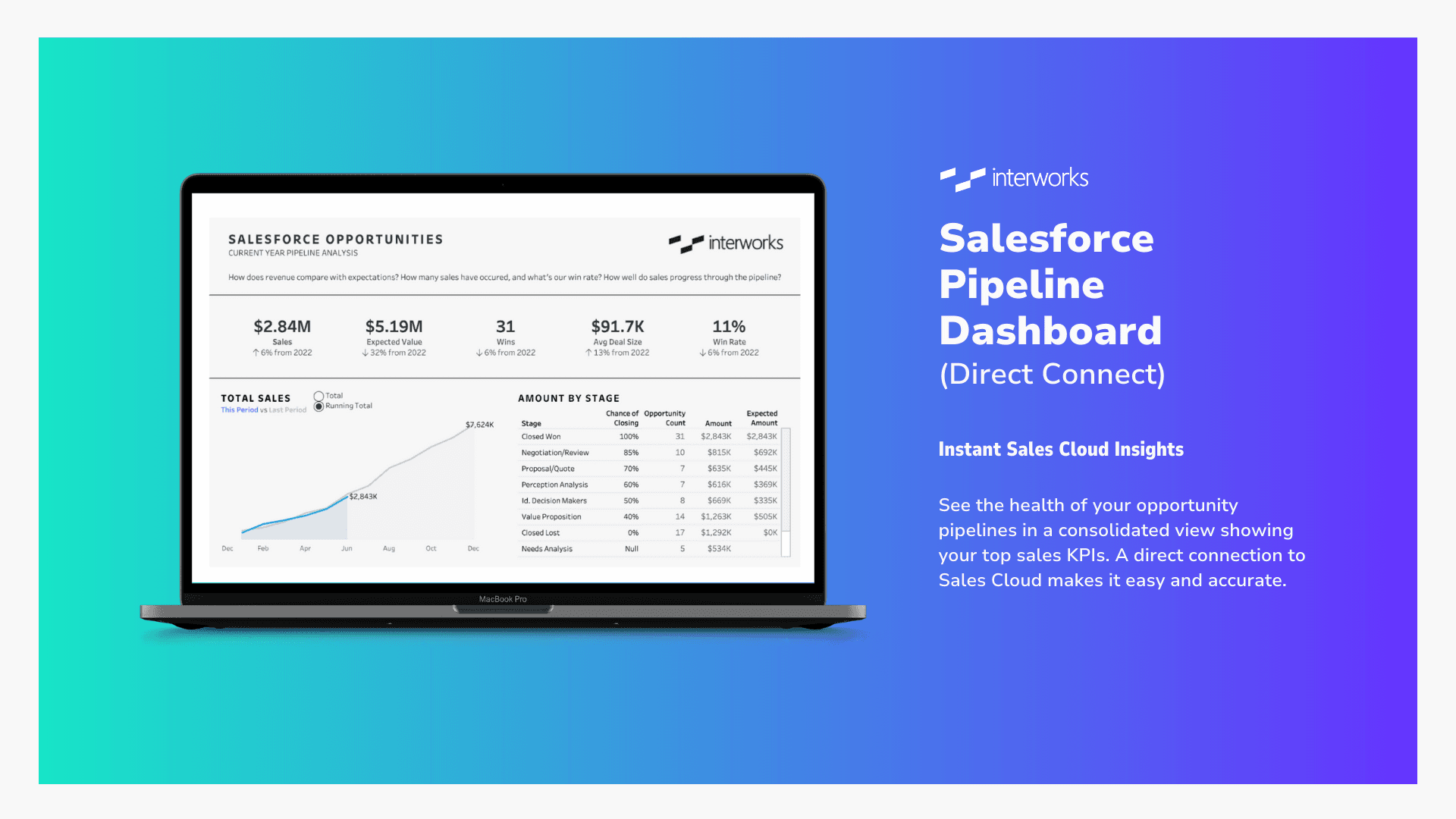
Image 1 of 2
Pricing
Free.
Compatibility
- Works with
- Sales Cloud
- Tableau Server
- Tableau Cloud
- Requires
- Sales Cloud
- Tableau
- Industries
- Horizontal Product
- Languages
- English
More Sales apps
The most reviewed Sales apps on the AppExchange, to compare before you choose.