SFS Bulk Non Availabilities
By Salesforce LabsField Service
- Rating
- 4.2
- Reviews
- 5
- Pricing
- Free
- Listed since
- 2023
About SFS Bulk Non Availabilities
Create and manage non-availabilities of service resources in bulk
This app lets the users create and manage non-availabilities of service resources in bulk at the org level or at the service territory level which in turn creates/updates the absence record for all the service resources in the Org/Service territory.
Highlights
- Create Non-Availability at Org Level and automatically assign it to all active Resources in the org to block their calendar.
- Create Non-Availability for single or multiple Service Territory and assign to all active service resources or groups of resources which automatically blocks their calendar.
- Add or Remove service sources from the Non-Availability at any point in time.
- Allow Non-Availability to update which will update all the absence of the resources
- Delete Non-Availability, which will delete all the absences of the resources under it.
Screenshots
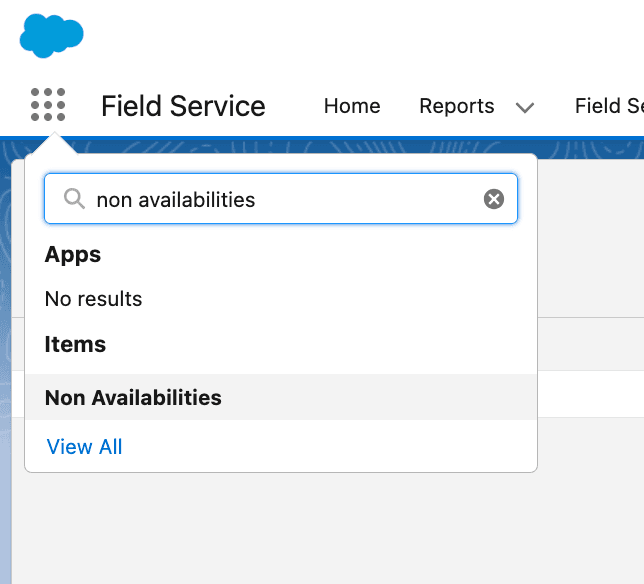
Image 1 of 5
Pricing
Free.
Compatibility
- Requires
- Service Cloud
- Salesforce editions
- Essentials
- Professional
- Enterprise
- Unlimited
- Performance
- Developer
- Lightning Experience
- Supported
- Salesforce mobile app
- Not supported
- Salesforce security review
- Passed on July 11, 2023
- Languages
- English
More Field Service apps
The most reviewed Field Service apps on the AppExchange, to compare before you choose.