Superjoin
Google Sheets Integration for Salesforce
By Weekend Operation Vacation Inc
- Rating
- Not rated yet
- Reviews
- No reviews yet
- Pricing
- Free
- Paid plans from $75 per user per month
- Listed since
- 2026
About Superjoin
2-way data sync between Salesforce and Google Sheets
Superjoin empowers you to create a two-way, end to end integration between Salesforce & Google Sheets. Build automated ad hoc analysis, reports & dashboards in the fastest and most flexible way, and push changes in your sheets back to Salesforce.
Business teams use Superjoin to increase productivity. Teams take ad hoc analysis to the next level by speeding up their reporting across leads & opportunities, making it easy to see which campaigns drive the best opportunities. Build unlimited custom reports & analytics in spreadsheets.
Many teams also automate their operational reports that are built in spreadsheets, removing the need to copy/paste or manually enter data. This creates the confidence that data is accurate and up to date, and frees up the team to focus on bigger revenue initiatives.
Superjoin provides custom notifications to Slack or email when data changes in their spreadsheet. Easily set a trigger on pipeline changes, win rates, new meeting thresholds, and anything that the team wants delivered to their inbox.
Superjoin extends the value of your Salesforce data & ensures that your data remains in the cloud, especially when it's in your spreadsheet.
Highlights
- Connect directly to your Salesforce data from Google Sheets. Full flexibility to work with any of your data - objects/fields, existing reports or SOQL. Customize reports by adding/removing columns and preserve any formulas when new data is added.
- Push data back to Salesforce without leaving your spreadsheet - a true 2-way integration. Do your data cleansing in sheets & push the changes back to SFDC w/o data leaving the cloud. Bulk update opportunities to save time so the team can focus on selling.
- Automate any of your Superjoin reports so your data is live and up to date on any schedule. Trigger Slack & email notifications to your team on any changes in your spreadsheet. Get key updates across your pipeline or KPI's with Sheet notifications.
Screenshots and videos
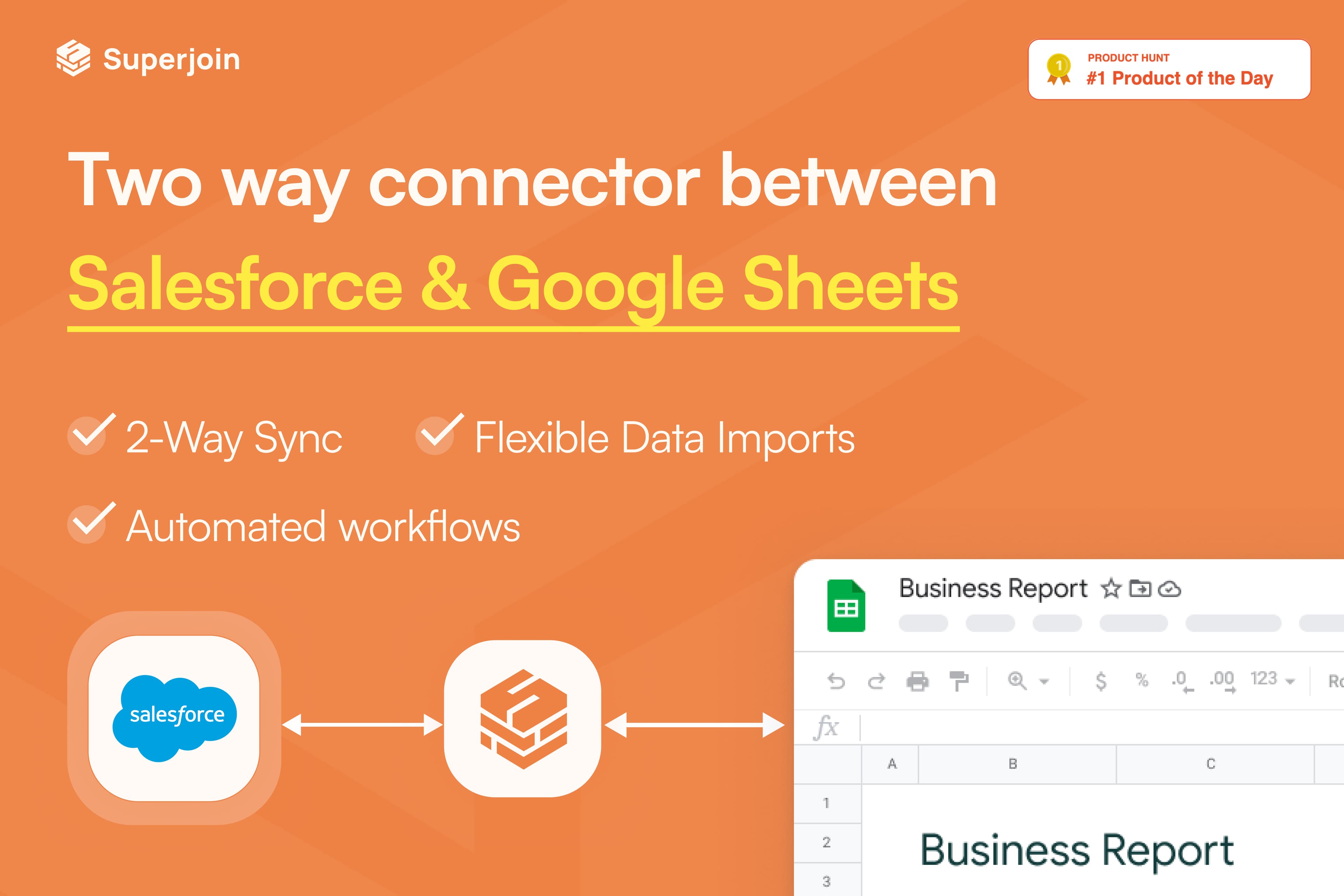
Image 1 of 8
Pricing
Free, paid plans from $75 per user per month.
| Plan | Price | Billed | Free trial |
|---|---|---|---|
| Basic | $75 per user | Monthly | 21 days |
| Pro | $100 per user | Monthly | 21 days |
3 data connectors are included in the PRO plan. Every additional connector is $25 per month more.
The publisher offers discounts.
Compatibility
- Requires
- Sales Cloud
- Salesforce editions
- Essentials
- Professional
- Enterprise
- Unlimited
- Developer
- Lightning Experience
- Supported
- Salesforce mobile app
- Not supported
- Salesforce security review
- Passed on July 8, 2025
- Industries
- Horizontal Product
- Languages
- English