Automate bulk record updates from Excel with SmartUpload PRO
By Verelst IT Consulting
- Rating
- Not rated yet
- Reviews
- No reviews yet
- Pricing
- Paid
- Listed since
- 2025
About Automate bulk record updates from Excel with SmartUpload PRO
Data import via Excel for business users, with easy and secure templates
SmartUpload helps Administrators to empower their business users to upload data into Salesforce themselves using Excel templates.
Key features include: 1) Native support for Excel files, which prevents data errors from using CSV files. 2) Data validation on cell data, including advanced Regular Expressions and other validation rules to ensure data integrity. 3) Multiple levels of lookups, removing the need for exports and VLOOKUPs. Data will be aggregated at run-time. 4) Clear user interface and error messages for end-users. 5) Fully configurable by Admins.
By using SmartUpload, your Administrators will no longer have to do data uploads on behalf of business users again!
Highlights
- Extremely easy to use for Business users: ✅ Upload Excel files with one click. ✅ Get instant feedback on data validation errors. ✅ No more need for manual Id-lookups or exports.
- Powerful engine for Admins: ✅ Create predefined mappings. ✅ Assign mappings to specific users. ✅ Monitor uploads.
- Built with data-integrity as the Nr 1 priority: ✅ Leverage native XLSX support. ✅ No more CSV conversions. ✅ No more encoding/locale based import errors.
- No more Excel VLOOKUP magic: ✅ Automated lookups to any object / field. ✅ Advanced SOQL queries for maximum flexibilty.
- Secure ✅ Only approved users may upload data. ✅ Users can only upload via admin-approved mappings. ✅ Uses Salesforce Profiles & Permissionsets
Screenshots and videos
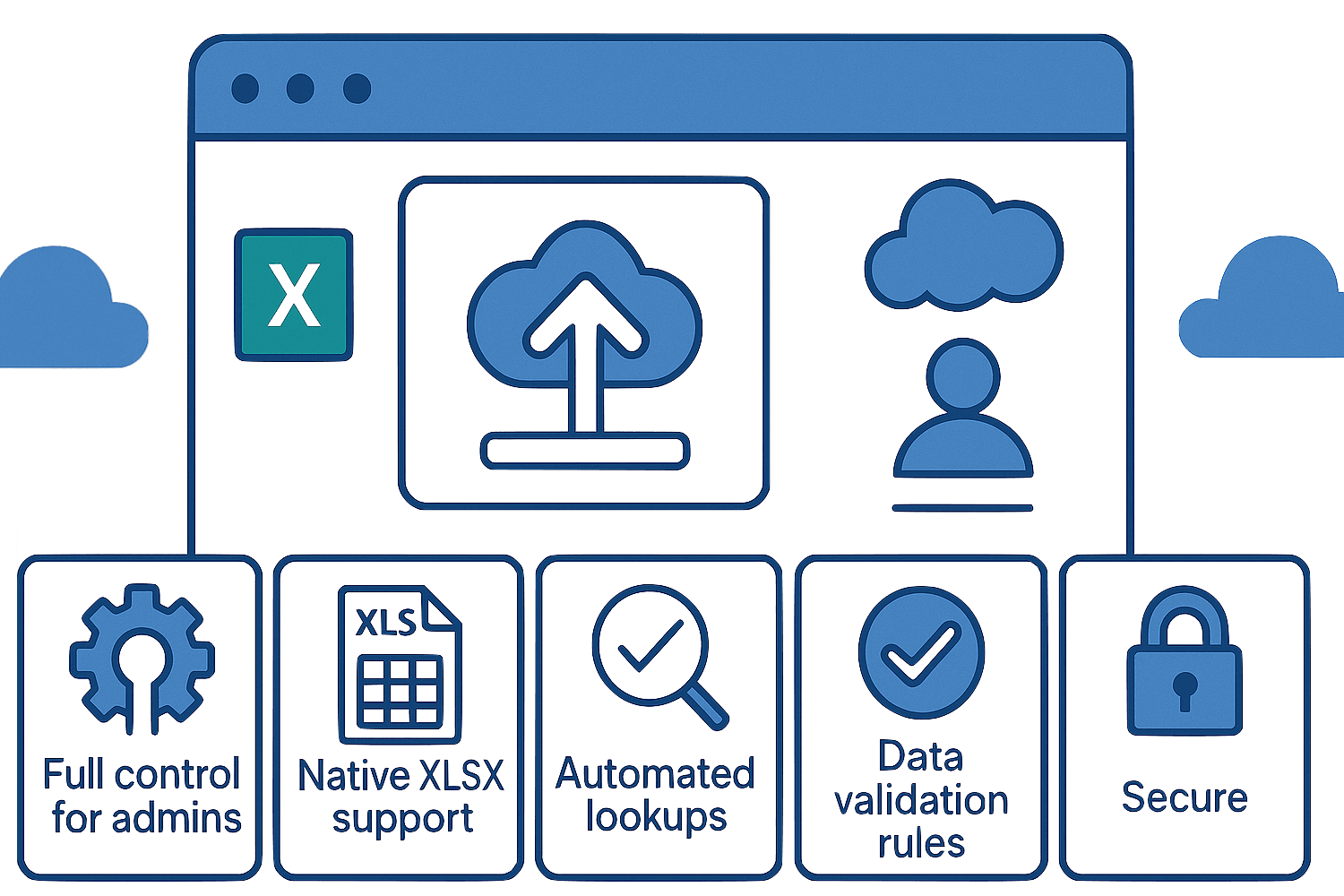
Image 1 of 8
Pricing
Paid.
You can try SmartUpload for free for 90 days. We offer flexible plans, either per-user or per-org. For more information and quotes please contact: support@smartupload.net .
The publisher offers discounts.
Compatibility
- Works with
- Sales Cloud
- Service Cloud
- Salesforce editions
- Enterprise
- Unlimited
- Performance
- Developer
- Lightning Experience
- Supported
- Salesforce mobile app
- Not supported
- Salesforce security review
- Passed on April 25, 2025
- Industries
- Horizontal Product
- Languages
- Dutch
- English