Simplicity+ Case Comments Panel
By Simplicity+
- Rating
- Not rated yet
- Reviews
- No reviews yet
- Pricing
- Free
- Listed since
- 2026
About Simplicity+ Case Comments Panel
Replace the standard Case Comments related list with a modern component.
The Simplicity+ Case Comments Panel replaces the standard Salesforce Case Comments related list with a modern Lightning Web Component that makes managing Case Comments faster, cleaner, and more intuitive.
Designed for Salesforce administrators and service teams, the component provides an improved user experience while continuing to respect Salesforce security, permissions, and sharing. Users can create, view, edit, and delete Case Comments directly from the Case record page without leaving the current record.
The component is highly configurable through Lightning App Builder, allowing administrators to tailor the experience without writing code.
Features
- Create new Case Comments
- Edit existing comments
- Delete comments
- Public and Internal visibility badges
- Relative date formatting
- Configurable component title
- Configurable default comment visibility
- Configurable colours
- Configurable page size
- Lightning App Builder configuration
- Native Salesforce security
- Supports managed package deployment
The component is designed to work alongside Salesforce’s standard Case Comment object and does not replace or modify standard Salesforce functionality.
Highlights
- Modern Lightning Web Component
- Native Salesforce Security
- Configurable in Lightning App Builder
- Public & Internal Visibility Badges
- Create, Edit & Delete Comments
- No Custom Objects Required
- Supports Sales Cloud & Service Cloud
Screenshots
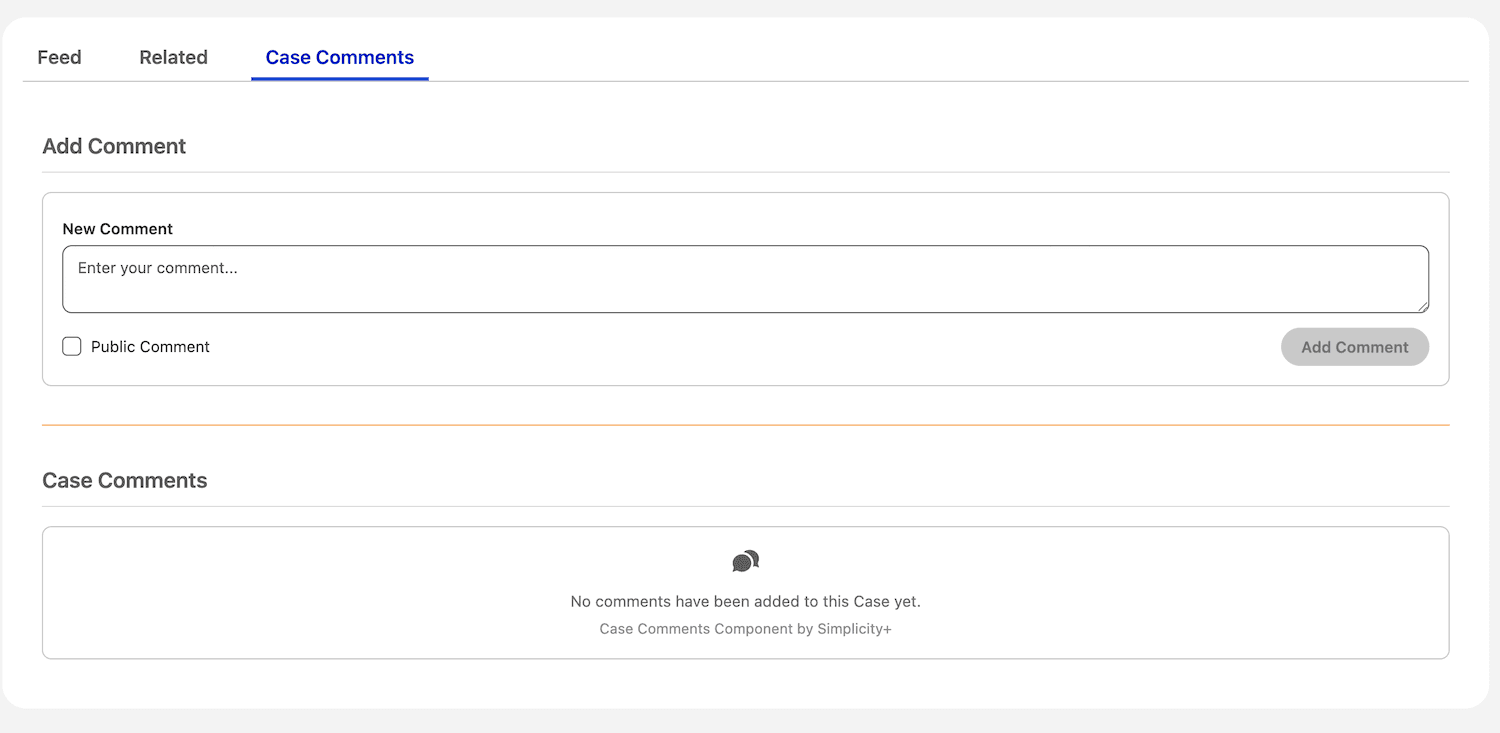
Image 1 of 4
Pricing
Free.
Compatibility
- Works with
- Service Cloud
- Requires
- Sales Cloud
- Salesforce editions
- Professional
- Enterprise
- Unlimited
- Performance
- Developer
- Lightning Experience
- Supported
- Salesforce mobile app
- Not supported
- Salesforce security review
- Passed on September 16, 2026
- Languages
- English