ProviderOne
Agentforce Actions for NPI Lookup, Review & Save
By HealthDetailData Management
- Rating
- Not rated yet
- Reviews
- No reviews yet
- Pricing
- Free
- Paid plans from $10 per user per month
- Listed since
- 2022
About ProviderOne
Real-time healthcare NPI lookup, validation, and save for Salesforce
ProviderOne installs two Agentforce actions — NPI Query and Save Records — that bring real-time healthcare provider data from the NPPES public registry into Salesforce.
NPI Query looks up a provider by NPI number, or, on an Account or Contact record, lets a connected flow pull the NPI already on file. Results include credentials, addresses, practice locations, and taxonomies.
Save Records writes the full provider record to the custom objects included with ProviderOne, optionally linked to the matching Account or Contact. Whether you're validating provider directory accuracy ahead of a compliance audit, supporting credentialing workflows, or enriching sales and account records with verified provider data, ProviderOne gives your Agentforce-powered team a governed way to pull from NPPES and write back to Salesforce.
NPI Query is free with no monthly cap; Save Records is a paid, per-record action.
Highlights
- Real-time NPI lookup against the public NPPES registry, callable directly from your Agentforce agent's conversation.
- Look up a provider by NPI number or retrieve the NPI already stored on an Account or Contact via a connected flow.
- Returns provider credentials, addresses, practice locations, and taxonomies/specialties in a single action call.
- Save the full NPI record to our Salesforce custom objects included with the package, optionally linked to an existing Account or Contact. Want to store with your own objects? We can customize this for you!
- Save Records re-fetches current data from NPPES at save time, so what's written to Salesforce reflects what's on file right now — not a stale snapshot.
- NPI lookup is free, with no monthly cap on the number of lookups.
- Save actions are billed through tiered plans — each tier includes a bundle of saves for one flat fee, with higher tiers available as your volume grows.
- Useful for provider directory compliance, credentialing workflows, and sales or account-record enrichment alike — not locked to a single use case.
- Type 1 NPIs link to Contacts and Type 2 NPIs link to Accounts, matching how NPPES distinguishes individual providers from organizations.
Screenshots
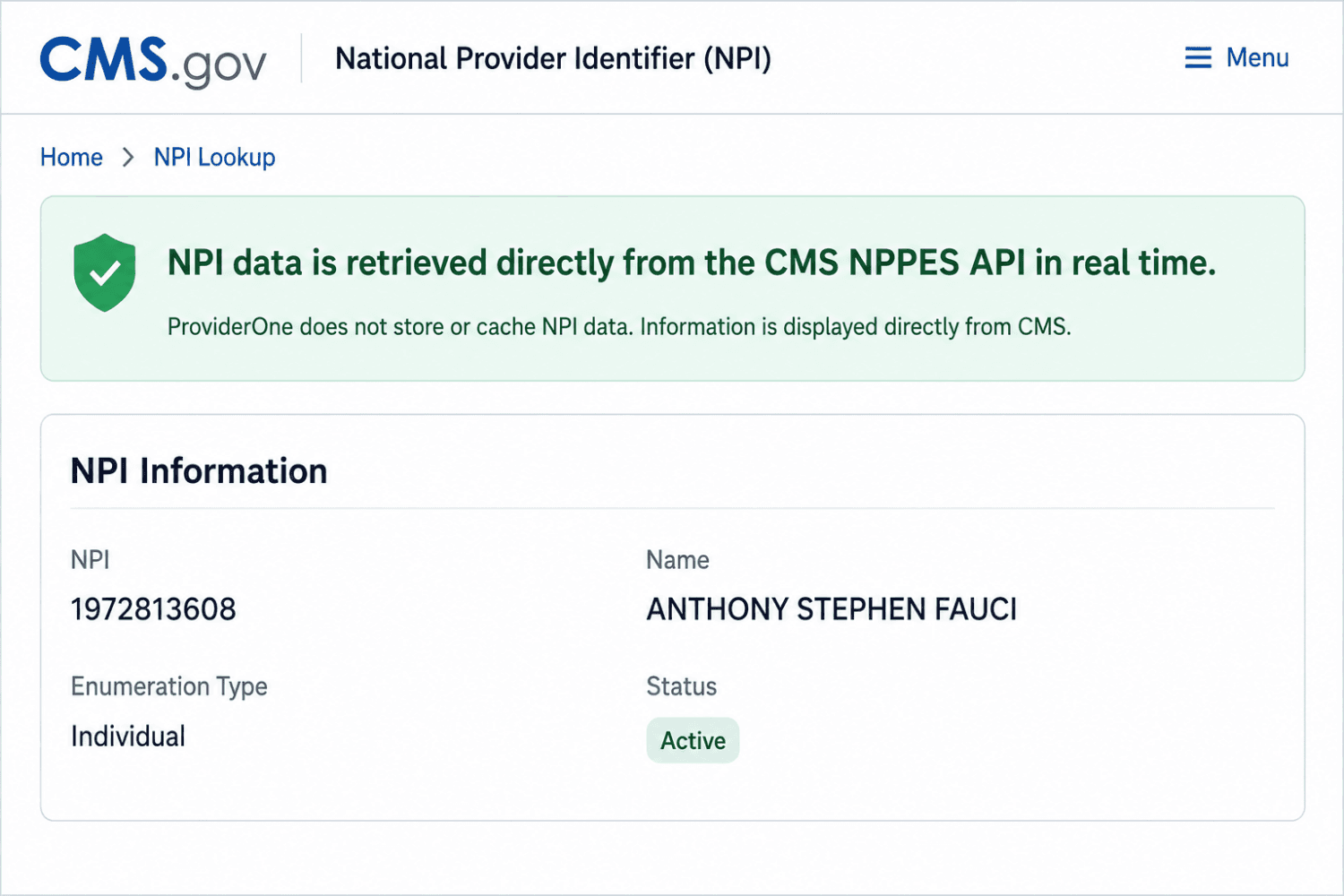
Image 1 of 9
Pricing
Free, paid plans from $10 per user per month.
| Plan | Price | Billed |
|---|---|---|
| Professional 50 | $10 per user | Monthly |
| Professional 200 | $25 per user | Monthly |
| Professional 500 | $50 per user | Monthly |
Paid tiers save the full NPI record to ProviderOne and Salesforce objects. Tiers include a save bundle, with per-record pricing beyond that. Saved Records/month Pro 50 - 50 Pro 200 - 200 Pro 500 - 500
The publisher offers discounts.
Compatibility
- Works with
- Sales Cloud
- Platform Cloud
- Government Cloud
- Requires
- Einstein 1
- Salesforce editions
- Enterprise
- Unlimited
- Performance
- Developer
- Salesforce Platform
- Lightning Experience
- Supported
- Salesforce mobile app
- Supported
- Salesforce security review
- Passed on July 26, 2021
- Industries
- Government
- Healthcare & Life Sciences
- Public Sector
- Languages
- English
More Data Management apps
The most reviewed Data Management apps on the AppExchange, to compare before you choose.