Dynamic Data Table
By mindZvue
- Rating
- 4.5
- Reviews
- 6
- Pricing
- Free
- Listed since
- 2022
About Dynamic Data Table
Turns flat Salesforce lists into an interactive, multi-level table
Salesforce teams often struggle to review data scattered across multiple objects, pages, and lists. Dynamic Data Table (DDT) solves this by bringing critical information into a single, actionable workspace.
Key Capabilities
- 3-Level Hierarchy View: Connect and view standard or custom Salesforce data models across three levels, breaking down object silos.
- 4 Flexible Views: Switch between Table (structured review), Timeline (time-based tracking), Calendar (schedule management), and Kanban (visual pipeline/status boards).
- Efficiency Tools: Find what matters using advanced/saved filters, search, and conditional formatting. Apply bulk edits or deletes to eliminate repetitive row-by-row updates.
- Admin-Friendly: A guided Admin Workspace allows for seamless configuration of hierarchy levels, fields, and columns, with the ability to manage Draft, Active, and Inactive setups.
Why Teams Use DDT
- Works for Sales (pipeline), Service (cases), and Operations (timelines).
- Visually tracks date-driven work and exports views to CSV or PDF.
- Maximizes visibility and speed while reducing manual effort.
Highlights
- Review related Salesforce data across a configurable 3-level hierarchy view, giving teams a structured way to work across connected records.
- Switch between Table, Timeline, Calendar, and Kanban views based on how your team needs to review, plan, schedule, or prioritize work.
- Manage date-driven work in Calendar View by moving records, rescheduling dates, jumping to specific dates, and hiding hierarchy levels when needed.
- Organize records visually in Kanban View by stage, status, priority, category, owner, or another configured picklist field.
- Use search, advanced filters, custom filter logic, and contextual sorting to quickly focus on the Salesforce records that matter.
- Save up to 5 frequently used filters per user so teams can return to common record views without rebuilding filters every time.
- Select multiple records with checkboxes, bulk edit field values, or bulk delete selected records to reduce repetitive manual updates.
- Apply colored cells with conditional formatting to highlight records based on status, priority, due dates, risk signals, or custom business rules.
- Fast performance with export guardrails: Lazy loading keeps tables responsive, Load More follows selected record counts, and users can export current views to CSV or PDF.
Screenshots
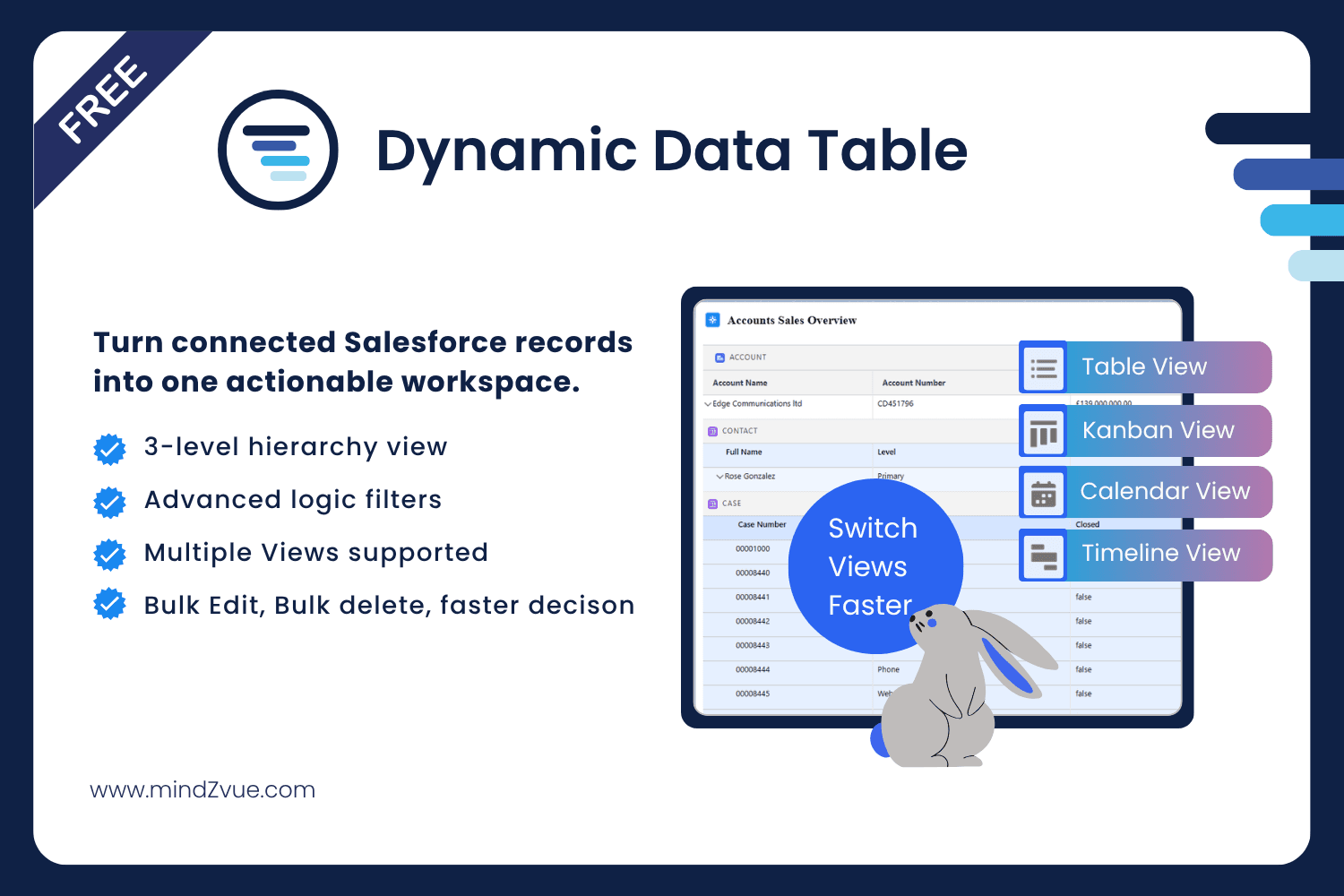
Image 1 of 9
Pricing
Free.
Compatibility
- Works with
- Sales Cloud
- Service Cloud
- Platform Cloud
- Requires
- Sales Cloud
- Service Cloud
- Marketing Cloud
- Pardot
- Salesforce editions
- Essentials
- Professional
- Enterprise
- Unlimited
- Performance
- Developer
- Lightning Experience
- Supported
- Salesforce mobile app
- Supported
- Salesforce security review
- Passed on March 23, 2024
- Languages
- English