ASupplier
By IBVCLOUD OÜ
- Rating
- Not rated yet
- Reviews
- No reviews yet
- Pricing
- Free
- Listed since
- 2024
About ASupplier
ASupplier: Efficient aid distribution and tracking.
AID Supplier comprises three primary sections:
- Registration of available assistance
- Creating help requests
- Distribution of aid
To begin, initiate by adding a new cargo, referred to as containers. Navigate to the "Work with Containers" tab and choose "Register New Containers." Input the following details:
- Container Identifier: to facilitate future identification of this cargo
- Container by Organization: include data from the assisting organization
- Product Type: establish a new product category applicable to subsequent items within this classification
- Product Quantity: specify quantity and units of measurement.
Enter the required product quantities and save the inputted data.
Subsequently, save the request for humanitarian aid reception. Access "Create New Request" under the "Work with Requests" tab. Populate the "Request by Organization" field, align the request with the existing Product Type, input the required quantity, and save the request.
The "Work On Requests" tab displays all available Product Types. Select the products slated for shipment. Ensure to generate an Invoice, create a new record, and click the "Printable View" button.
Highlights
- Ease of use.
- Flexible processes.
- Modularity and extensibility.
- Ability to scale business logic.
- Creating custom product types.
- Automated balance calculation process.
Screenshots
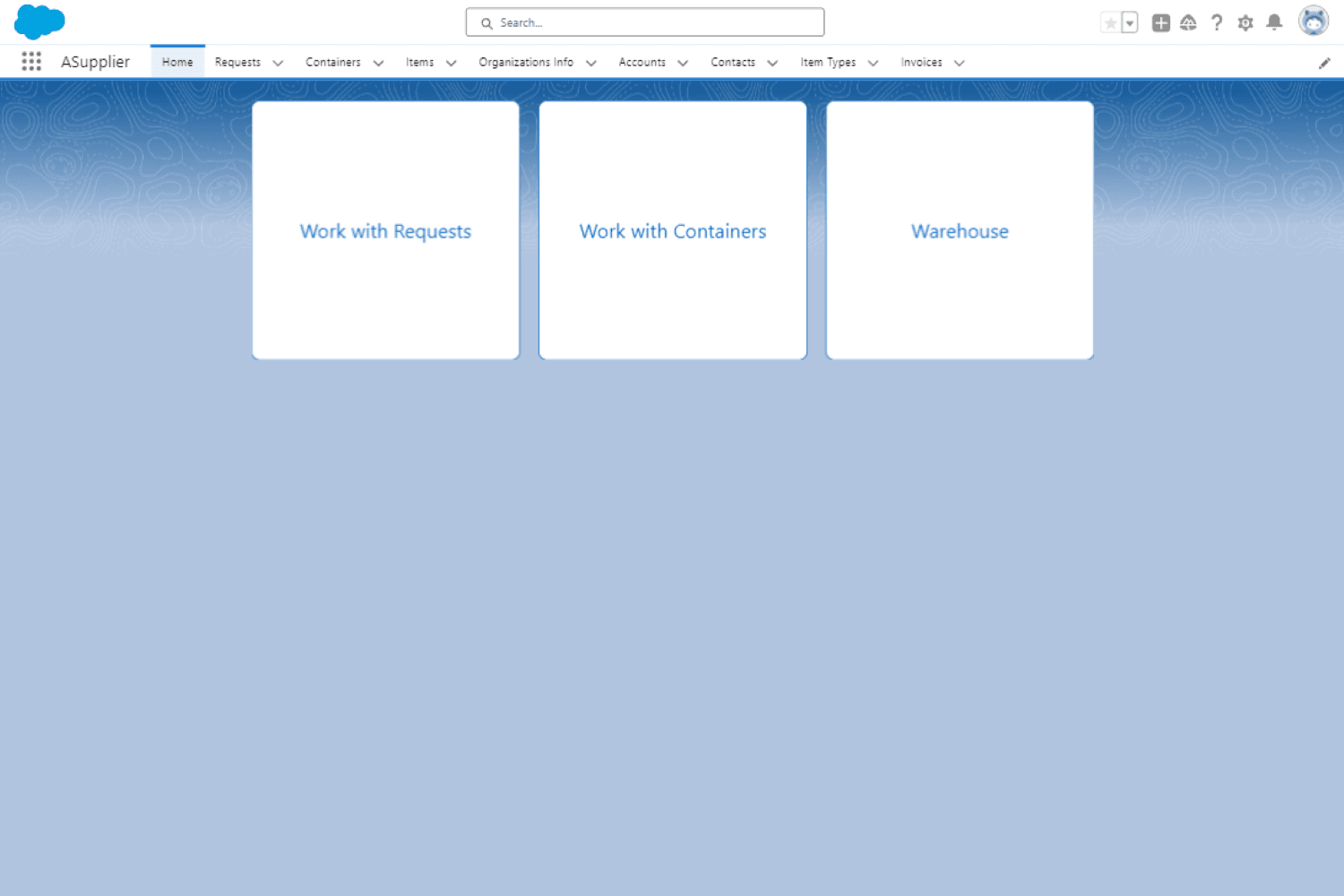
Image 1 of 14
Pricing
Free.
Compatibility
- Works with
- Sales Cloud
- Service Cloud
- Nonprofit Cloud
- Salesforce editions
- Enterprise
- Unlimited
- Performance
- Developer
- Lightning Experience
- Supported
- Salesforce mobile app
- Not supported
- Salesforce security review
- Passed on February 15, 2024
- Industries
- Horizontal Product
- Languages
- English