FilesToFolder Actions
By Cloud Analogy CRM Specialist Limited
- Rating
- Not rated yet
- Reviews
- No reviews yet
- Pricing
- Paid
- From $10 per user per month
- Listed since
- 2025
About FilesToFolder Actions
Transform the way you upload, organize, & manage files in Salesforce
FilestoFolder offers a smart solution for uploading & managing Salesforce files, ensuring they’re easily organized, stored, and accessible.
Efficient file organization and categorization Integrates seamlessly with Google Drive, Dropbox, AWS, OneDrive, FTP, Google Cloud, Azure, Intuitive UI for a smooth user experience
Highlights
- 1. Easy Drag-and-Drop: Simplify file uploads with intuitive drag-and-drop functionality directly on Salesforce objects.
- 2. Multiple File Transfer & Upload: Easily drag and drop multiple files to upload them, saving time and effort.
- 3. Seamless Navigation: Switch between folders and files efficiently with navigation tools.
- 4. Centralized File Management: View and manage your Salesforce files in a single, organized component.
- 5. Enhanced Visualization: Access files through a tabular, slideshow, or thumbnail view.
- 6. Efficient File & Folder Management: Download, delete, or rename folders with a single click for greater convenience.
- 7. Advanced Search & Filter: View the Salesforce record associated with a particular file directly from the app.
- 8. Permission Management: Control who can upload, manage, and view files with flexible permission settings.
- 9. Seamless Integration support: Effortlessly integrates with your preferred file storage platforms, including Google Drive (Team), Dropbox, AWS, OneDrive, FTP, SharePoint(Team), Google Cloud, Azure, Box.com, and Firebase.
Screenshots
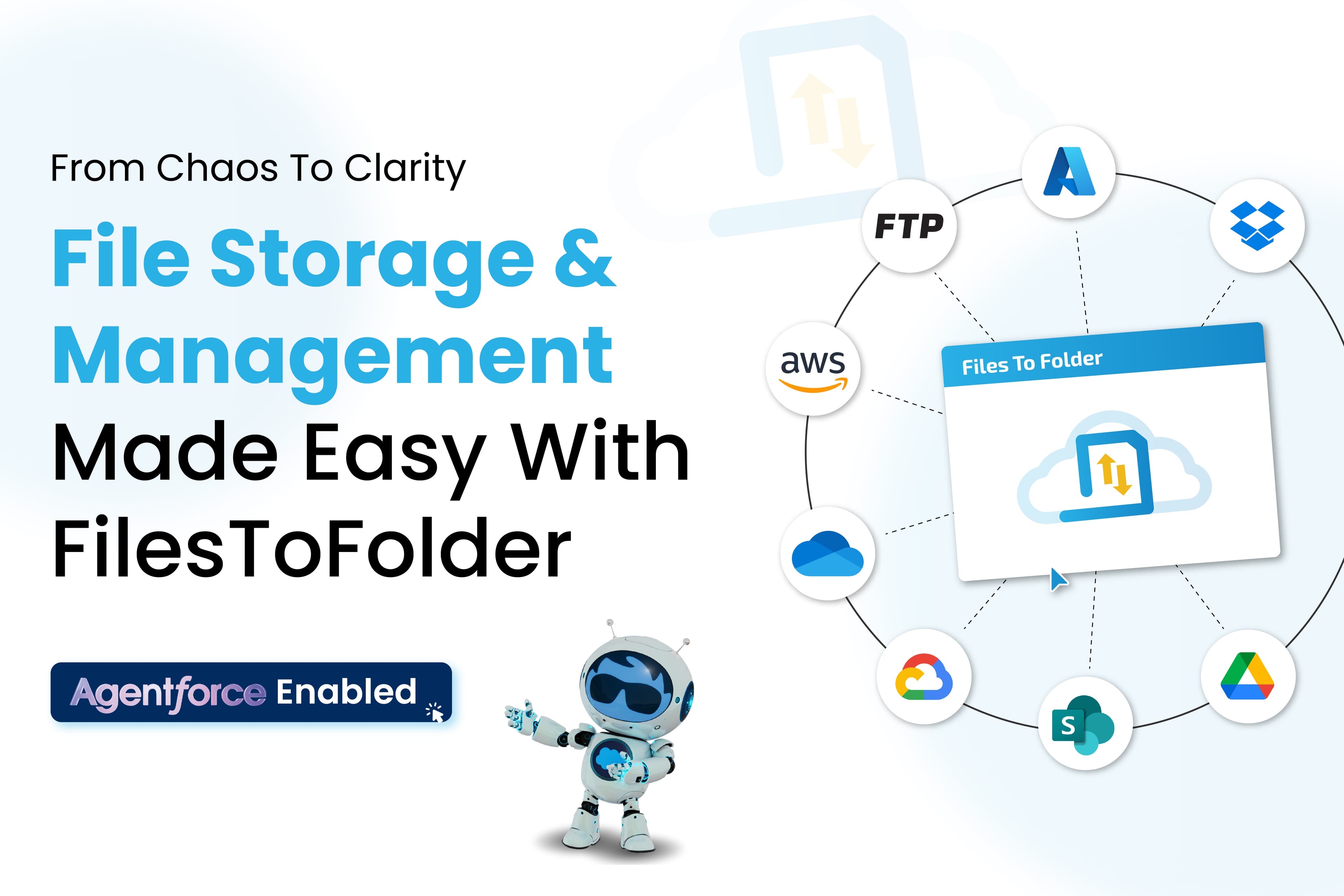
Image 1 of 11
Pricing
Paid, from $10 per user per month.
| Plan | Price | Billed | Free trial |
|---|---|---|---|
| Basic Plan | $10 per user | Monthly | 30 days |
The publisher offers discounts.
Compatibility
- Works with
- Sales Cloud
- Service Cloud
- Experience Cloud
- Requires
- Sales Cloud
- Service Cloud
- Experience Cloud
- Health Cloud
- Salesforce editions
- Enterprise
- Unlimited
- Developer
- Lightning Experience
- Supported
- Salesforce mobile app
- Not supported
- Salesforce security review
- Passed on January 20, 2025
- Industries
- Healthcare & Life Sciences
- Professional Services
- Public Sector
- Languages
- English