Files You Can Find in Salesforce
By Titan
- Rating
- Not rated yet
- Reviews
- No reviews yet
- Pricing
- Free
- With paid plans
- Listed since
- 2023
About Files You Can Find in Salesforce
Store Anywhere. Indexed in Salesforce.
Titan Files gives your organization the power to turn any file into Salesforce data.
Using Titan OCR, you can seamlessly scan, extract, and map files to Salesforce records, by following these simple steps:
- Upload File: Via drag-and-drop or selection.
- Run OCR: Detect text and tables.
- Review Results: Confirm extracted files.
- Map to Salesforce: Link objects and fields.
Highlights
- Connected File Storage: Sync files to Google Drive, AWS S3, Box, Dropbox, or FTP without leaving Salesforce.
- Data Extraction with OCR: Use Titan Files and Vision AI to scan images for text and place it directly into Salesforce fields.
- Control File Format: Create flows to resize, compress, convert, and watermark images and docs.
- Built-in Compliance: Meet HIPAA, GDPR, and retention requirements with audit-ready tracking.
- One View in Salesforce: Track file status, access, and history in one place. No toggling or guesswork. Every file is linked to its record with full indexing and metadata sync.
- Security & Virus Scanning: Scan every file before uploading and stay secure with end-to-end encryption
Screenshots and videos
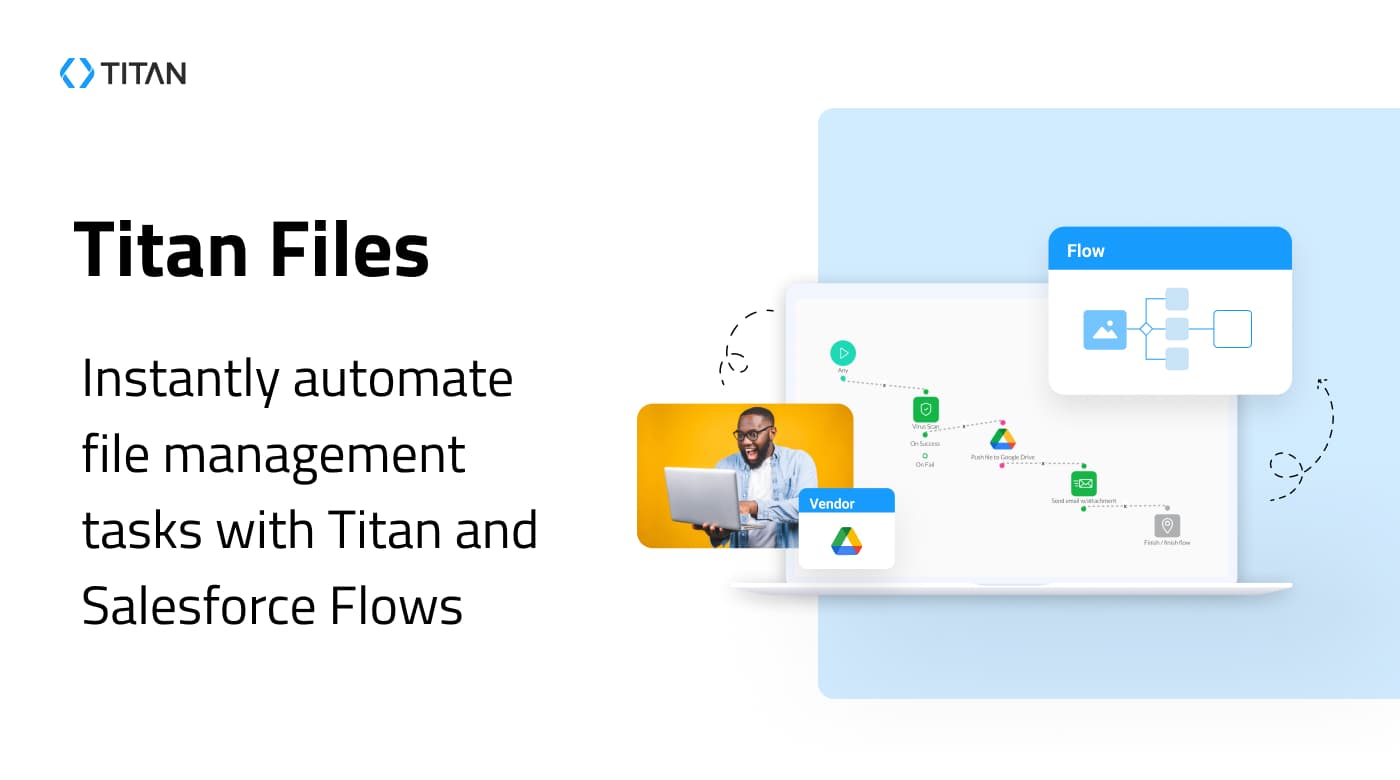
Image 1 of 9
Pricing
Free, with paid plans.
The publisher offers discounts.
Compatibility
- Works with
- Sales Cloud
- Service Cloud
- Platform Cloud
- Requires
- Platform Cloud
- Salesforce editions
- Enterprise
- Unlimited
- Performance
- Developer
- Lightning Experience
- Supported
- Salesforce mobile app
- Supported
- Salesforce security review
- Passed on August 16, 2017
- Industries
- Education
- Financial Services
- Healthcare & Life Sciences
- Languages
- Dutch
- English
- Finnish
- French
- German
- Danish
- Italian
- Portuguese
- Russian
- Spanish
- Swedish