File 365
Empower Salesforce with SharePoint integration
By Vloeiend IT
- Rating
- 5.0
- Reviews
- 4
- Pricing
- Paid
- From €5.95 per user per month
- Listed since
- 2020
About File 365
Integrate Salesforce and SharePoint for easy file management in Salesforce
With FILE 365, just one click on a file in a Salesforce record is enough to open the file in the right Microsoft 365 application ready for editing. Changes are automatically saved to the document. No more need to download files and upload the files back to Salesforce after editing.
FILE 365 GALLERY A preview of the file is displayed in Salesforce, giving the user immediate insight to the content of a file. The File 365 Gallery enables the user to scroll quickly through the content of multiple files without opening each file individually. Previews are available for all file types supported by Office 365 Online.
Save large files directly to SharePoint, like videos or pdf's, and access them from your Salesforce records.
EMAIL-TO-CASE File 365 supports Email-to-Case. Incoming mail attachments are related to the case record and automatically saved in SharePoint.
FILE 365 combines both strengths of Salesforce and Microsoft 365: Use Salesforce to automate your processes and use SharePoint to store data in a structured way. Never worry again about losing updates to your Salesforce files.
File 365 is suitable for all Salesforce clouds.
Highlights
- • Direct access from Salesforce: Open and edit SharePoint files related to Account, Lead or other Salesforce records directly from Salesforce.
- • Two-way Synchronization: Files can be edited either from Salesforce or SharePoint, all changes are saved, ensuring you always have the latest version.
- • Supports all Microsoft Office 365 files. File 365 opens your file directly from Salesforce in the right Microsoft 365 Office application such as Word, Excel and PowerPoint.
- • Seamless collaboration on files: File 365 enables team members to collaborate simultaneously on files.
- • File 365 Gallery: Preview and scroll through files with the File 365 gallery. Click on a thumbnail to enlarge the view and scroll on to next image.
- • Multiple SharePoint Sites and Document Libraries: Use multiple Tenants, multiple SharePoint sites and multiple Document libraries to store your files.
- • Email to Case support: Incoming mail attachments are related to the case record and automatically saved in SharePoint.
- • Supports merging records: Merging Account en Case records in Salesforce merges the files and folders in SharePoint
- • Rename or Delete files. Files related to Salesforce records can be renamed or deleted either in Salesforce or SharePoint.
Screenshots and videos
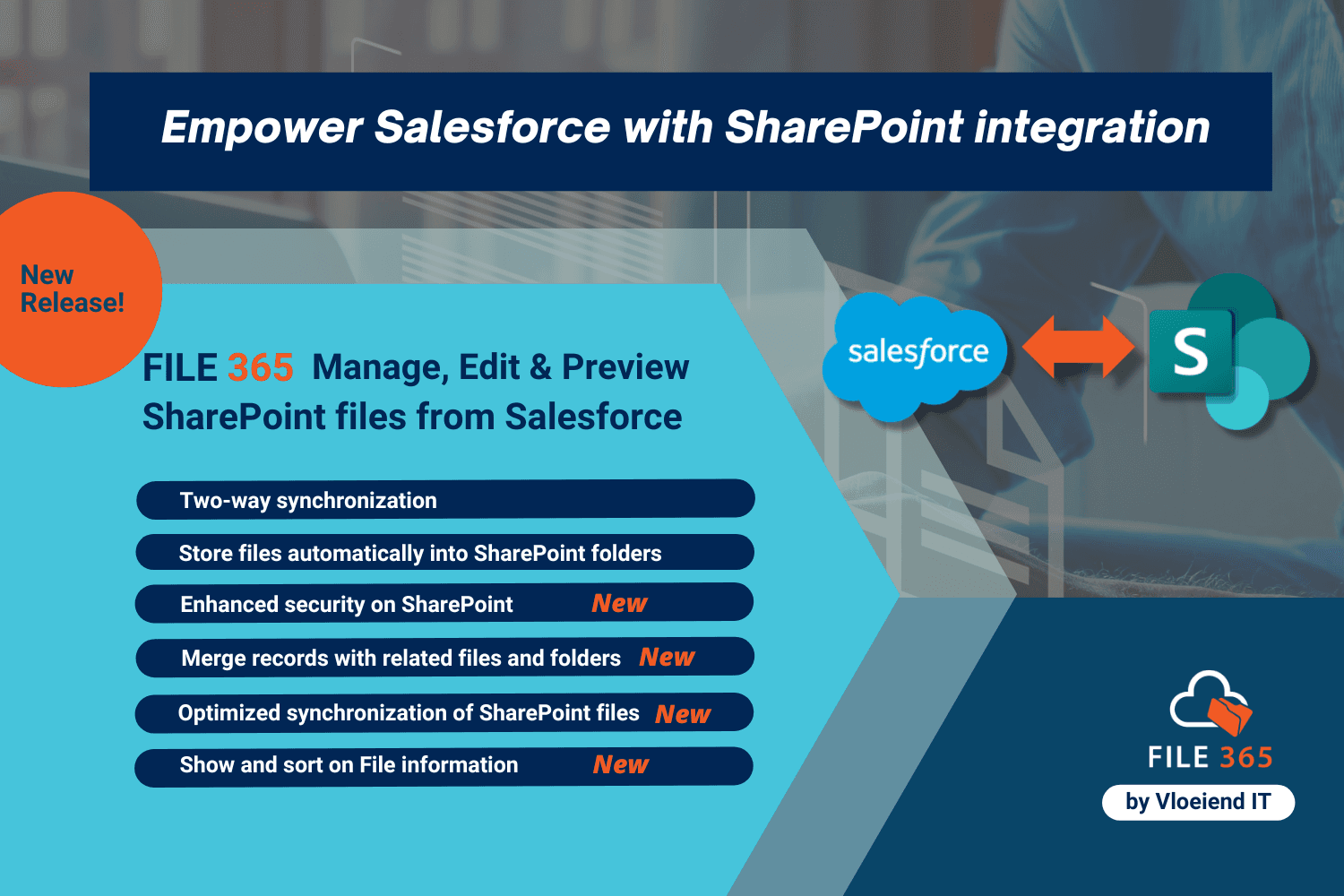
Image 1 of 11
Pricing
Paid, from €5.95 per user per month.
| Plan | Price | Billed |
|---|---|---|
| File 365 - Monthly | €5.95 per user | Monthly |
| File 365 - Yearly | €69.95 per user | Yearly |
| File 365 - Unlimited | €12,500 per company | Yearly |
For detailed information on pricing please refer to https://file365.nl/pricing/ and the financial section of our Knowledge Base https://file365.nl/docs/ You may also send an email for volume discounts or any other questions at info@file365.nl.
The publisher offers discounts.
Compatibility
- Works with
- Sales Cloud
- Service Cloud
- Experience Cloud
- Requires
- Platform Cloud
- Salesforce editions
- Essentials
- Professional
- Enterprise
- Unlimited
- Performance
- Developer
- Salesforce Platform
- Lightning Experience
- Supported
- Salesforce mobile app
- Supported
- Salesforce security review
- Passed on October 26, 2020
- Languages
- English