File Export, File Backup, File Archive, File Migrate in Mass Salesforce -1 click
By Sastorm Software LLC
- Rating
- Not rated yet
- Reviews
- No reviews yet
- Pricing
- Paid
- From $10 per user per month
- Listed since
- 2026
About File Export, File Backup, File Archive, File Migrate in Mass Salesforce -1 click
File Extract, File Recovery, File Retrieve, File move with File Downloader
Move years of Salesforce content to your desktop without the hassle of manual downloads or complicated data exports.
Export Salesforce Files, Attachments, Documents, Chatter Files, Static Resources, Notes, Emails, and records in their original format — preserving the original file name, type, size, and structure.
Built as a powerful native alternative to traditional Data Loader workflows, our bulk export solution gives you complete control over what you download and how you organize it.
Choose from 4 flexible export methods:
List View Export — export exactly what you see SOQL Query Export — target specific records and data Object-Based Export — export files related to a specific Salesforce object Download All Objects — export your entire Salesforce file library with one click
Powerful filtering & relationship support
Filter by date range, Salesforce object, and file type Export parent-child relationships together Handle large volumes of historical Salesforce data Export data spanning 13+ years through the present
Once your export is complete, everything is delivered as a structured ZIP package, with an organized folder hierarchy of up to 4 levels deep
Highlights
- Mass export files from list views or selected records Export files using filters, search, or SOQL mode Select multiple records across objects One-click export of all related files and attachments
- Export directly from List Views Export selected Salesforce records Filter by records, dates, file types, and other criteria Use SOQL for precise, targeted exports Export related files across multiple objects
- Connect SharePoint documents to any Salesforce record Keep your SharePoint files organized and accessible from Opportunities, Accounts, Cases, and Custom Objects. Preview, upload, and manage documents directly within Salesforce.
- Seamlessly connect with popular document-generation and automation platforms including S-Docs, Conga, DocuSign, AWS, Dropbox Mass update and Mass Upload all salesforce files to AWS, Sharepoint
- Store every Salesforce document in the cloud storage your company already owns, manages, and governs- while keeping it accessible directly from the Salesforce record where your team works.
Screenshots
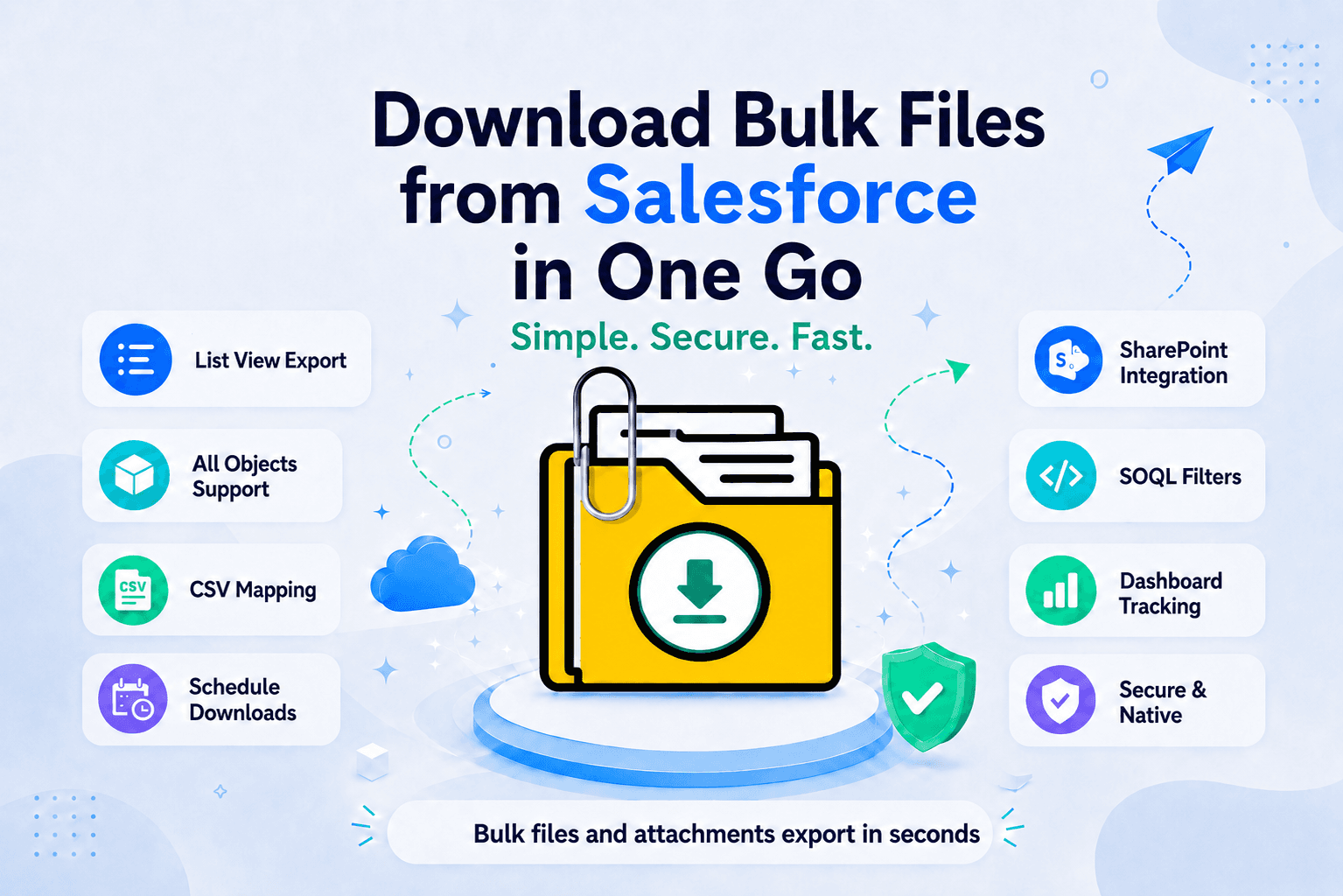
Image 1 of 8
Pricing
Paid, from $10 per user per month.
| Plan | Price | Billed | Free trial |
|---|---|---|---|
| Starter | $10 per user | Monthly | 7 days |
🔹 7-Day Free Trial 🔹 Affordable Pricing – Just $10 USD per user/month, billed annually. 🔹 Minimum 4 users required 👉 Visit- https://www.filesdownloader.us/pricing/ 👉 Schedule a Free Demo: 🖥️ https://bit.ly/4davvTo
Compatibility
- Works with
- Sales Cloud
- Service Cloud
- Marketing Cloud
- Requires
- Einstein 1
- Salesforce editions
- Enterprise
- Unlimited
- Performance
- Developer
- Salesforce security review
- Passed on February 20, 2025
- Industries
- Horizontal Product
- Education
- Healthcare & Life Sciences
- Languages
- English