Smart Import Tool
By DataArt
- Rating
- 4.5
- Reviews
- 2
- Pricing
- Free
- Listed since
- 2024
About Smart Import Tool
Clean Data is the Key
The Smart Import Tool is designed to simplify and streamline the process of importing dirty data from a variety file formats that may contain typos, extra spaces, and names of related records instead of their ID. Unlike other import tools that work in the background and require you to prepare a carefully verified CSV file, the Smart Import Tool lets you see and fix the errors in your data before importing it. And the best part is, the import results appear on the same screen, so you can make corrections and try again without interruption. Forget about having to download CSVs with import errors, correct them in a spreadsheet editor, and start the import process all over again. With the Smart Import Tool, you can get the results faster and with less hassle.
Highlights
- The tool accepts files in a variety of formats, skips empty columns and rows, removes trailing spaces, automatically matches columns and validates the data with fuzzy logic. Then your data is opened in an online editor.
- The tool highlights inappropriate values and provides clear messages. You can correct your data, add columns and fill them out in the online editor. Import errors are displayed instantly, allowing you to immediately correct them and try again.
- Admins can configure the list of standard and custom objects allowed for the import, control who uses the tool. All object-level, field-level, and row-level (sharing) rights correspond to user permissions.
Screenshots
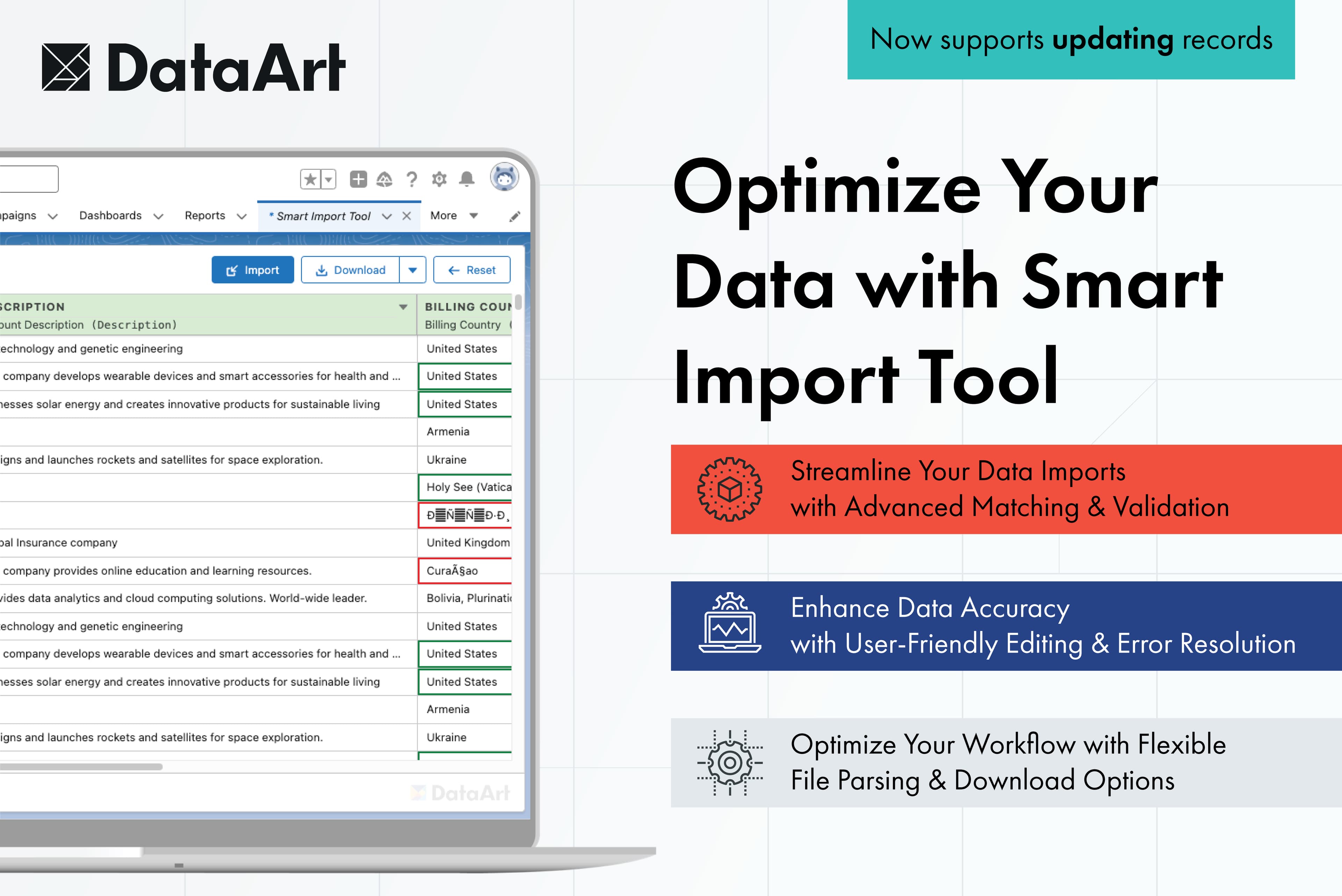
Image 1 of 8
Pricing
Free.
Compatibility
- Works with
- Sales Cloud
- Service Cloud
- CDP
- Salesforce editions
- Enterprise
- Unlimited
- Developer
- Lightning Experience
- Supported
- Salesforce mobile app
- Supported
- Salesforce security review
- Passed on July 11, 2024
- Languages
- English