Custom Kanban
By Olga Schtulman
- Rating
- Not rated yet
- Reviews
- No reviews yet
- Pricing
- Free
- Listed since
- 2025
About Custom Kanban
Your Salesforce Opportunities, organized your way
Custom Kanban gives your sales team a customizable way to view Opportunities in Salesforce. It provides a clean Kanban board where users can see the deals that matter most, with flexibility to control sorting, record limits, and visibility settings.
Admins can configure which fields appear on cards and tailor views by user, profile, role, or permission set, ensuring everyone sees the right level of detail. Sales reps can choose to display only their Opportunities, their team’s, or other users’ records (if permissions allow), making it easy to stay focused on the pipeline.
With Custom Kanban, your team gets a simple, configurable Opportunity board that adapts to your business needs — giving you clarity and control without unnecessary complexity.
Highlights
- Configurable Opportunity Kanban: tailor views to your sales process.
- Flexible record visibility: show records by user, team, role, or permission set.
- Customizable card fields: choose which fields display, in any order.
- Smart sorting options: control how Opportunities are ordered on the board.
- Record limit controls: set how many records appear at once.
- Permission-aware setup: users only see data they’re allowed to access.
- Multiple record type support: hide or include specific Opportunity record types.
- Easy setup & management: configure views directly in Salesforce.
- Pipeline clarity: give reps a focused, simplified way to track deals.
Screenshots and videos
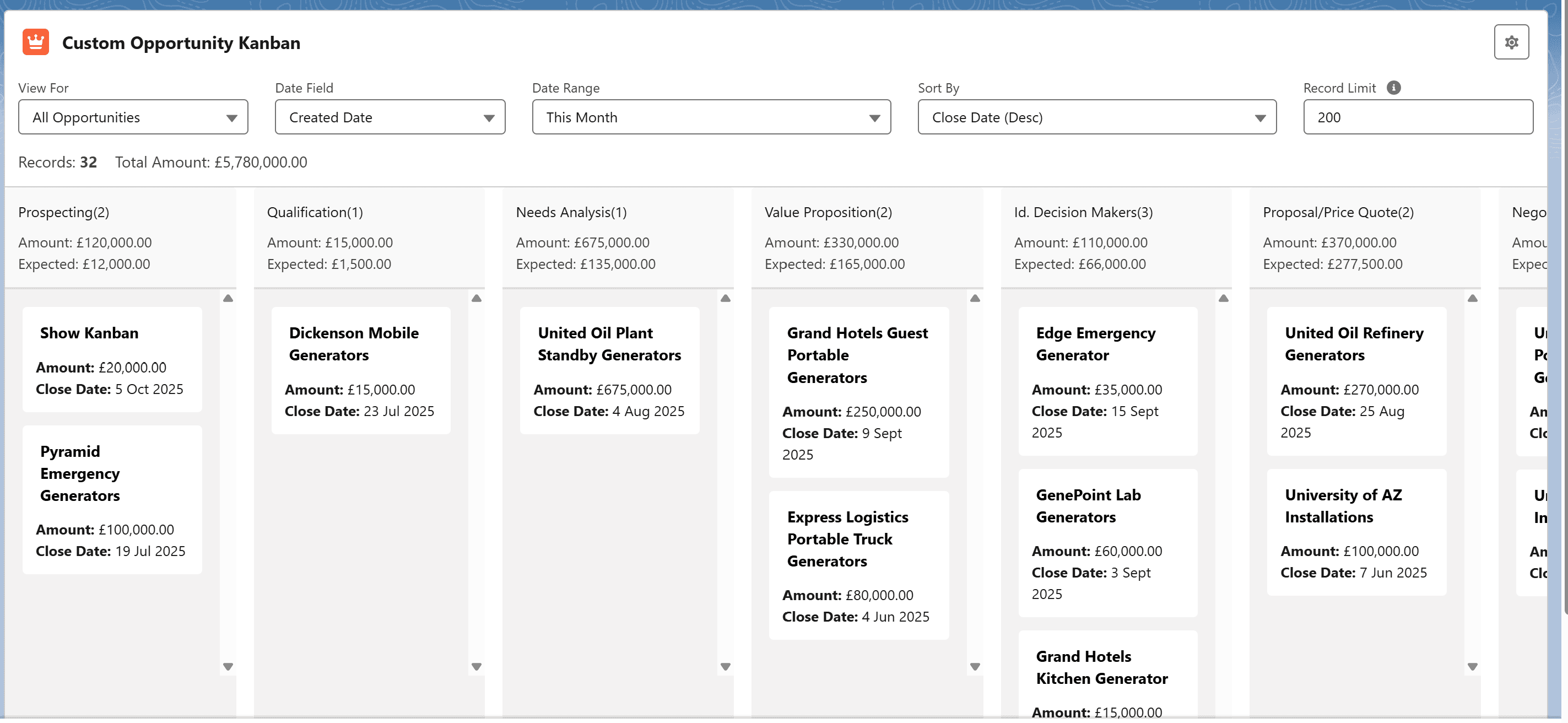
Image 1 of 4
Pricing
Free.
Compatibility
- Requires
- Sales Cloud
- Salesforce editions
- Essentials
- Professional
- Enterprise
- Unlimited
- Performance
- Developer
- Lightning Experience
- Supported
- Salesforce mobile app
- Not supported
- Salesforce security review
- Passed on November 14, 2025
- Languages
- English