Document Extractor
SharePoint integration for better Document Management
By Connecting SoftwareCollaboration
- Rating
- 4.9
- Reviews
- 17
- Pricing
- Paid
- From $1 per user per month
- Listed since
- 2019
About Document Extractor
Number 1 Salesforce to SharePoint integration for Document Management
➡️ 𝗛𝗼𝘄 𝗶𝘁 𝘄𝗼𝗿𝗸𝘀 1. Document Extractor monitors any changes to documents/files in Salesforce related to custom or standard objects (accounts, contacts, leads, opportunities, quotes, etc.)
2. As a new file is detected, it is transferred to SharePoint, where it is stored under a standard or customized folder structure. You can also move documents to multiple SharePoint tenants and sit
3. The original file in Salesforce is then replaced with a link to reduce storage space
4. The file is fully accessible from Salesforce (even searchable from Salesforce Global Search) and SharePoint
➡️ 𝗕𝗲𝗻𝗲𝗳𝗶𝘁𝘀 Native to Salesforce UI: It operates entirely in the background; it eliminates the need for iFrames, thus avoiding additional loading times on every page
Enhanced Document Management: Transfer information about Salesforce document versions, creators, editors, and owners to SharePoint for easier document tracking
Optionally, you can sync document metadata to SharePoint—this is important, especially for collaboration and sharing with non-Salesforce Users or externals
☑️ Start your 𝗳𝗿𝗲𝗲 𝘁𝗿𝗶𝗮𝗹 now, or contact us for a demo with our experts!
Highlights
- Fully Synchronize with SharePoint for better document management » All file operations supported, including moves, deletes, and renames.
- Synchronize SharePoint uploads to Salesforce (Two-way Sync) » Optionally sync files manually added to SharePoint folders.
- Leverage SharePoint's larger and cheaper storage » Eliminate the need to purchase expensive extra storage » Take advantage of the SharePoint licenses you already have
- Powerful custom configuration » Specify which files to transfer to SharePoint based on date and other parameters like object type (we support both standard and custom objects) » Prioritize which files should be transferred to SharePoint first
- Better document management with SharePoint capabilities » Document check-out/check-in information » Customize folder structure in SharePoint based on the Salesforce object and document type » Document version history saved in SharePoint
- Increase team collaboration » Non-CRM users can also work with documents in SharePoint. » Multiple team members can collaboratively work on customer-related documents
- Community users for customers and partners » Access & upload available to everyone even if your files are stored in SharePoint » Exclusive pricing for community users
- Full control over where documents are stored » Ability to have your files in separate SharePoint sites, subsites, and document libraries » SharePoint on-premises is an option that gives you more control over data residency when needed
- No need to learn anything new » Access and search files within Salesforce as you always did. » Keep your Salesforce fast and native by not adding extra iframes that lead to extra loading times
Screenshots and videos
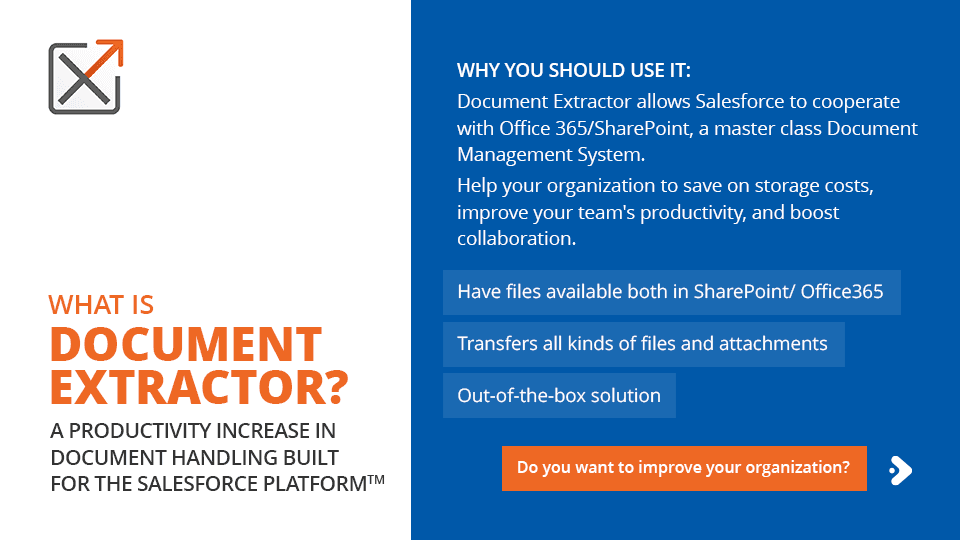
Image 1 of 12
Pricing
Paid, from $1 per user per month.
| Plan | Price | Billed | Free trial |
|---|---|---|---|
| 10 000 - 19 999 Users | $1 per user | Monthly | 30 days |
| 5 000 - 9 999 Users | $1.75 per user | Monthly | 30 days |
| 1 000 - 4 999 Users | $2.5 per user | Monthly | 30 days |
| 501 - 999 Users | $3.7 per user | Monthly | 30 days |
| 201 - 500 Users | $4.25 per user | Monthly | 15 days |
| 31 - 200 Users | $5.1 per user | Monthly | 15 days |
| 10 - 30 Users | $5.95 per user | Monthly | 15 days |
Document Extractor supports both standard Salesforce and community users, with exclusive pricing for community users. The pricing structure is tiered and offers discounts for longer commitments. For detailed information - office@connecting-software.com.
The publisher offers discounts.
Compatibility
- Works with
- Service Cloud
- Experience Cloud
- Government Cloud
- Requires
- Sales Cloud
- Service Cloud
- Marketing Cloud
- Salesforce editions
- Professional
- Enterprise
- Unlimited
- Performance
- Developer
- Salesforce Platform
- Lightning Experience
- Supported
- Salesforce mobile app
- Supported
- Salesforce security review
- Passed on February 4, 2025
- Industries
- Financial Services
- Professional Services
- Public Sector
- Languages
- English
More Collaboration apps
The most reviewed Collaboration apps on the AppExchange, to compare before you choose.