Birdie
Screen Recording
By Zest
- Rating
- Not rated yet
- Reviews
- No reviews yet
- Pricing
- Free
- Listed since
- 2025
About Birdie
Resolve cases faster by requesting screen recordings from customers.
Birdie is trusted by 2,500+ leading support teams.
Unlike traditional screen recorders, Birdie was built for support. Agents can request screen recordings from customers directly in Salesforce. Instead of endless back-and-forth or unclear explanations, customers simply record their screen to show the issue. Agents instantly see what’s happening, cut escalations, and resolve cases faster.
KEY USE CASES
- Communication: Customers often struggle to describe problems. A quick recording replaces multiple replies, reducing effort for both sides.
- Bugs & High-Effort Cases: Request a recording to capture repro steps, console logs, and network data—so engineers get the full context to troubleshoot faster.
- Agent Guidance: Share step-by-step recordings to guide customers through solutions.
- Replication: Record your own screen to reproduce issues and escalate complete bug reports.
WHY TEAMS LOVE BIRDIE 🪄 Customers don't need to download anything 🔐 Enterprise-grade security (SSO, custom retention, on-premise options) 📈 Proven results: 4→1 customer replies, 3→1 internal handoffs, +20% CES, 70% fewer Zoom calls
Birdie makes Salesforce case resolution faster, easier and more accurate.
Highlights
- REQUEST SCREEN RECORDINGS Let agents request screen recordings directly from the Salesforce Case UI so customers can show issues instead of explaining them.
- CUSTOMER SCREEN RECORDINGS ON TICKET FORMS Add Birdie to your ticket forms so customers can attach a recording when submitting their issue
- SEAMLESS SALESFORCE INTEGRATION From auto-replies to agent signatures, macros, and AI workflows—Birdie integrates across Salesforce Service Cloud.
- CAPTURE TECHNICAL CONTEXT Automatically collect console logs, network requests, repro steps, and device & session metadata to speed up troubleshooting.
- GUIDE CUSTOMERS WITH VIDEO Record and share step-by-step screen recordings to provide crystal-clear support instructions.
- ENTERPRISE-GRADE SECURITY Ensure compliance and trust with SSO, sensitive data masking, automatic deletion, and customizable retention.
Screenshots
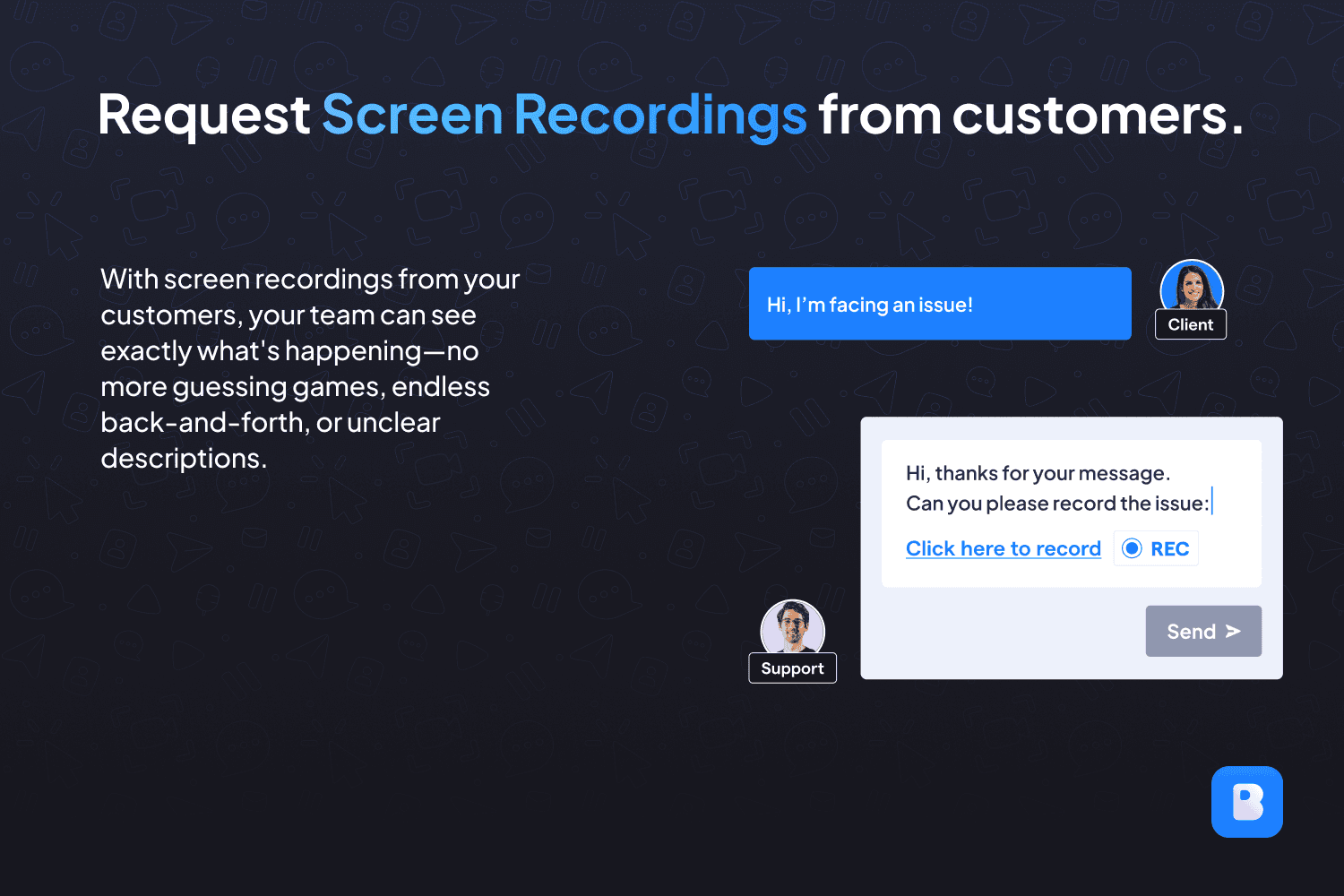
Image 1 of 6
Pricing
Free.
Compatibility
- Requires
- Service Cloud
- Salesforce editions
- Essentials
- Professional
- Enterprise
- Unlimited
- Performance
- Developer
- Lightning Experience
- Supported
- Salesforce mobile app
- Not supported
- Salesforce security review
- Passed on September 12, 2025
- Industries
- Communications
- High Tech
- Languages
- English