AWS Connect
Smart Salesforce AWS Integration for Secure File Sync and Backup
By Cloud Maven, Inc
- Rating
- Not rated yet
- Reviews
- No reviews yet
- Pricing
- Paid
- From $5 per user per month
- Listed since
- 2026
About AWS Connect
Move Salesforce files to AWS S3 seamlessly without slowing performance
AWS Connect makes managing large volumes of files in your Salesforce ecosystem easier by extending the storage into AWS S3. You can simply move large files out of your expensive Salesforce storage and into S3 where they are safely stored while still remaining fully accessible from within Salesforce. Upload, view, and manage your documents without changing your workflows and the background processing continues to perform without disrupting your users.
Besides, AWS Connect allows you to use Amazon AI and LLM models to extract data and insights from your stored documents. You can transfer your files instantly, on demand or in batches. Unlike other solutions that create numerous records, the AWS Connect solution creates a single scalable reference structure that keeps your organization clean and efficient.
✔️Reduce costs associated with using expensive Salesforce storage
✔️Sync files seamlessly between Salesforce and AWS
✔️Perform real-time, batch and on-demand file transfers
✔️Extract data and insights from documents using AI/LLM models
✔️Transfer large volumes of files without slowing your app
✔️Automated file archiving with Salesforce Amazon S3 integration
Highlights
- ✔️AWS Connect Reduces Salesforce Storage Costs by Moving Files to S3 Salesforce storage can be really expensive. With AWS Connect, you can replace it with affordable file storage at Amazon S3 while allowing users to maintain access to files in Salesforce
- ✔️Automate File Sync Between Salesforce and AWS S3 Use automated file synchronization technology to ensure files are available in both Salesforce and AWS S3. Prevent duplicate files and keep track of current version by automating file updates.
- ✔️Extract Actionable Data from Salesforce Documents Using AWS AI and LLM Employ Amazon AI and LLM models to analyze stored documents and turn them into actionable data.
- ✔️Transfer Files to AWS S3 in Bulk or One at a Time Send individual files, groups of files, or entire folders of files in one session. Regardless of the number of files being sent, they get transferred quickly and reliably without affecting end users.
- ✔️Prevent Data Bloat in Salesforce as File Volumes Grow Prevent unnecessary data bloat and clutter in your organization due to excess record creation when transferring large amounts of files. Easily manage growing file volumes without adding complexity.
- ✔️Move Large File Volumes to AWS S3 Without Slowing Salesforce Regardless of how many files you need to transfer, the process will not slow down your application.
- ✔️Keep Salesforce Workflows Running While Files Sync to AWS File uploads and transfers occur in the background and never interrupt the normal functioning of your application or your users.
- ✔️Manage Salesforce Files Directly in AWS Without Leaving Salesforce Upload, view and manage files from within Salesforce without leaving it. Control your files in a familiar environment and leverage the security provided by AWS to store your files.
- ✔️Scale Salesforce Storage to AWS S3 Without Limits as Your Org Grows As your organization grows, so does the number of files. Scale your storage capacity as much as you want, maintaining high performance and stability.
Screenshots
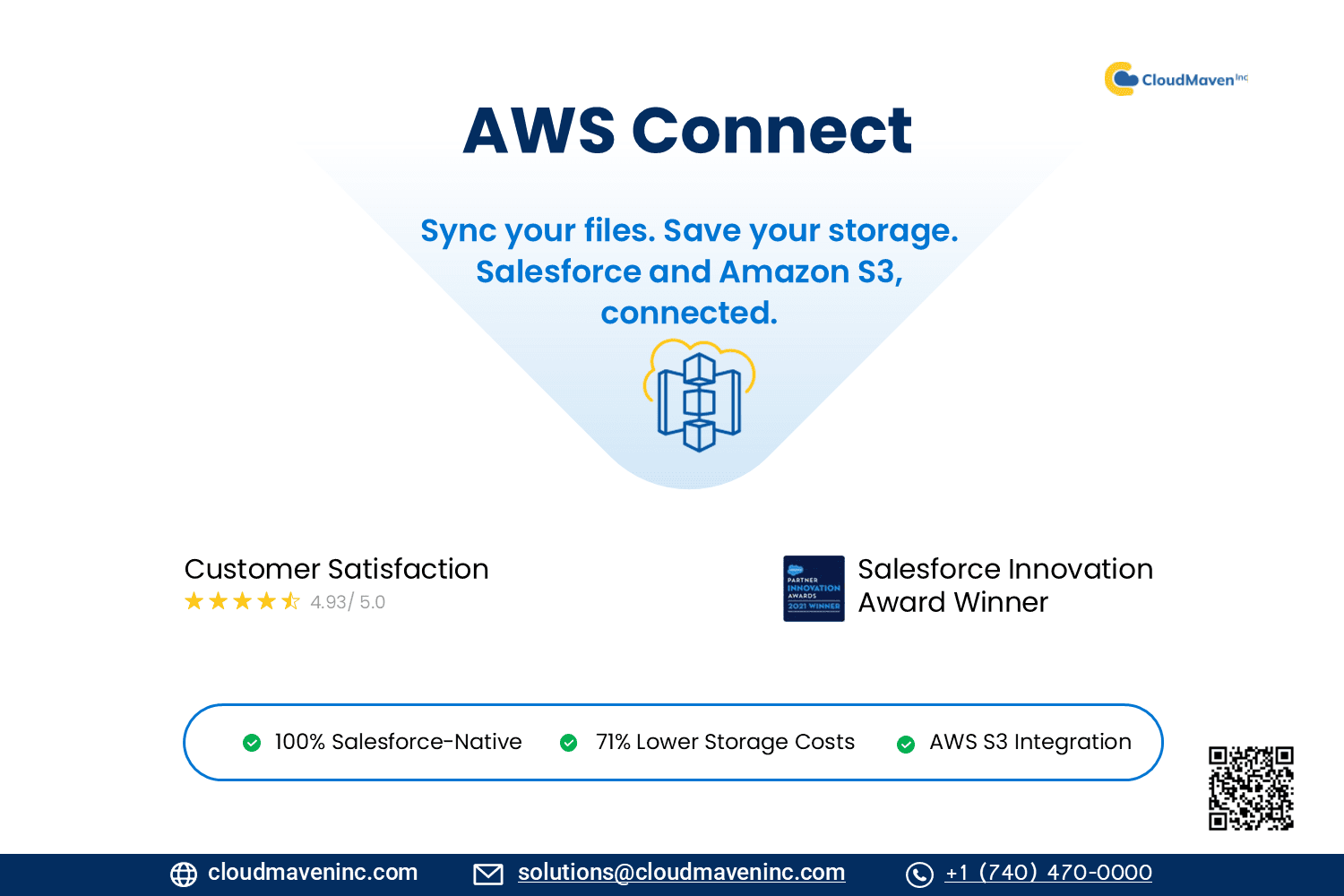
Image 1 of 13
Pricing
Paid, from $5 per user per month.
| Plan | Price | Billed |
|---|---|---|
| Default Plan | $5 per user | Monthly |
Customers must have their own Amazon S3 account. The plugin enables secure two-way data synchronization between Salesforce CRM and Amazon S3. A minimum 10-user license subscription is required.
The publisher offers discounts.
Compatibility
- Works with
- Sales Cloud
- Service Cloud
- Experience Cloud
- Requires
- Sales Cloud
- Service Cloud
- Platform Cloud
- Experience Cloud
- Salesforce editions
- Professional
- Enterprise
- Unlimited
- Performance
- Developer
- Lightning Experience
- Supported
- Salesforce mobile app
- Supported
- Salesforce security review
- Passed on May 17, 2023
- Industries
- Horizontal Product
- Engineering, Construction, & Real Estate
- Financial Services
- Languages
- English