Accurate Business Card & QR Code Scan into Salesforce Lead, Contact, & Account
By Application House Limited
- Rating
- 5.0
- Reviews
- 1
- Pricing
- Paid
- From $10 per user per month
- Listed since
- 2025
About Accurate Business Card & QR Code Scan into Salesforce Lead, Contact, & Account
Accurate Scan Business Card, QR Code, Barcode, Tag, Badges No manual Typing
Scan business cards and visiting cards directly into Salesforce and instantly convert them into structured CRM records without manual typing. The app is used within the Salesforce Mobile App on iOS and Android devices, allowing users to scan and save records using their smartphone.
Capture contact details using intelligent multilingual OCR, review and edit information before saving, and prevent duplicate records with configurable matching rules. From a single scan, you can create or update multiple Salesforce records such as Lead, Contact, and Account, with administrator-controlled field mapping and execution logic aligned to your business process.
The app also supports dual-side business card scanning, automatically merging front and back details into one complete record before creation to ensure no information is missed.
Beyond business cards, it supports QR codes, badges, tags, and barcodes including GTIN, EAN, and UPC for product registration, inventory updates, asset tracking, event lead capture, visitor management, delivery confirmation, and healthcare record logging.
Reduce manual typing, eliminate data entry errors, and ensure accurate Salesforce records in seconds.
Highlights
- No More Manual Data Entry: Scan business card and visiting cards instantly to create structured Salesforce records. Eliminate manual typing, reduce entry errors, and capture leads faster directly from the Salesforce Mobile App.
- Edit Before Saving – Accurate Data: Review & manually edit scanned details before saving. Maintain clean, verified, & accurate CRM records every time. Scan using iPhone or Android Mobile or Smartphone Camera compatible with iOS & Android.
- Native to Salesforce – No Separate App Required: Built directly on Salesforce and used inside the Salesforce Mobile App on iOS and Android. No separate mobile app download required, ensuring scanning within your existing Salesforce environment.
- double side Business Card Scanning: Capture both front and back of a business card in one workflow. OCR merges all details before saving, ensuring complete and accurate Salesforce records every time.
- Flexible Object & Field Mapping: Save scanned data into any standard or custom Salesforce object. Admins control field mapping. Scan QR codes, badges, tags, & barcodes including GTIN, EAN, UPC for products, assets, inventory, and events records.
- Upload from Smartphone's Photos Gallery: Import business card, visiting card, QR codes, tags, barcodes including GTIN, EAN, UPC, and badges images from Smartphone's photos Gallery and add them to Salesforce records.
- Single Scan → Multiple record Creation: Create or update Lead, Contact, Account, Opportunity, or Custom Objects from one scan using configurable execution order and admin-controlled mapping logic.
- Smart Duplicate Prevention: Prevent duplicate records with configurable exact and fuzzy matching. The app checks existing Salesforce data before saving to maintain a clean and reliable CRM.
- Enterprise-Grade & Multi-Language Scanning: Advanced OCR supports multi-language scanning across various fonts and layouts. Built to Salesforce development standards for secure, reliable performance.
Screenshots
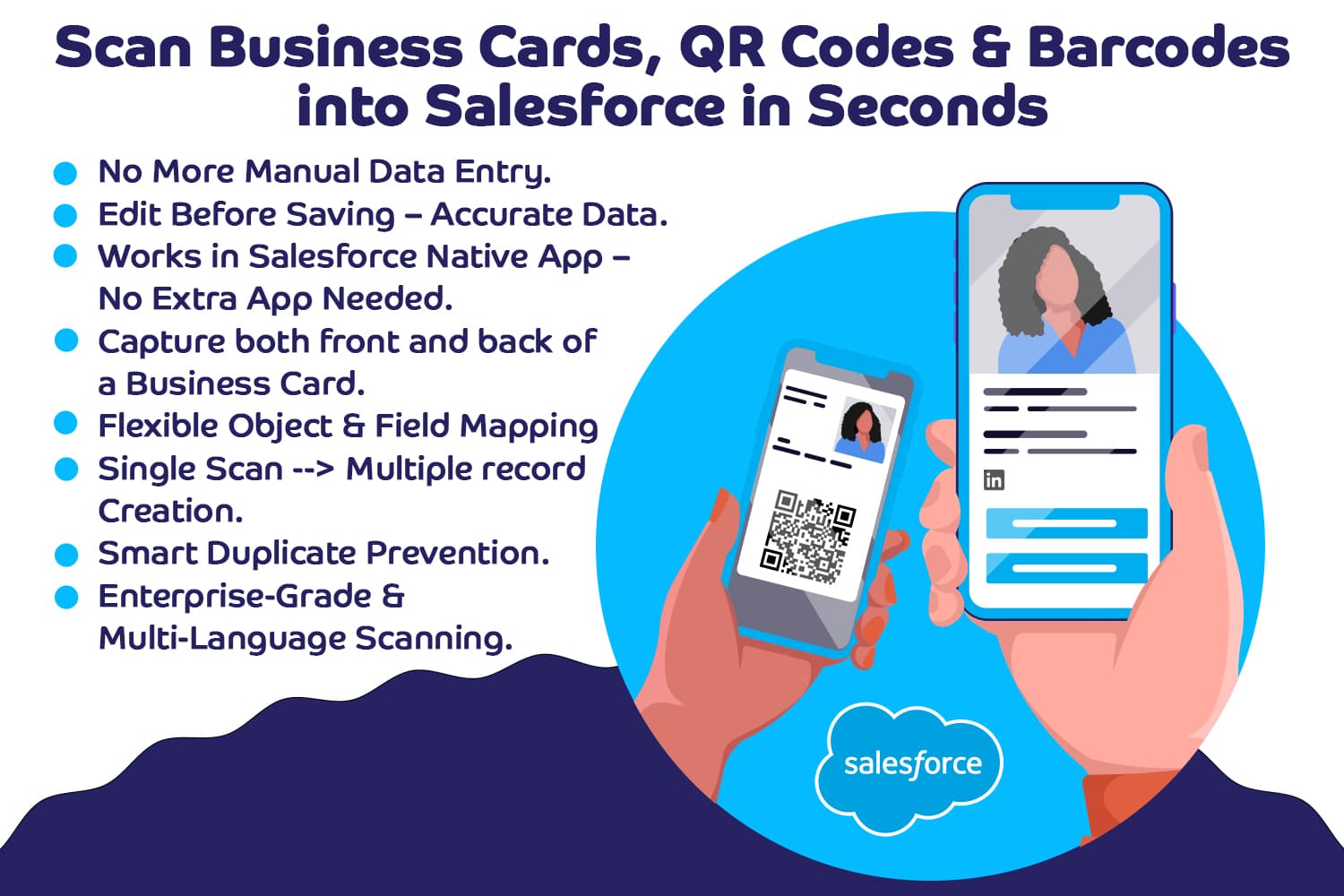
Image 1 of 12
Pricing
Paid, from $10 per user per month.
| Plan | Price | Billed | Free trial |
|---|---|---|---|
| Application House Business Card Scan App Standard Price | $10 per user | Monthly | 30 days |
| Application House Business Card Scan App Premium Price | $30 per user | Monthly | 30 days |
The publisher offers discounts.
Compatibility
- Salesforce editions
- Essentials
- Professional
- Enterprise
- Unlimited
- Performance
- Lightning Experience
- Supported
- Salesforce mobile app
- Supported
- Salesforce security review
- Passed on July 22, 2025
- Languages
- Arabic
- Dutch
- English
- Finnish
- French
- German
- Danish
- Italian
- Japanese
- Korean
- Portuguese
- Russian
- Chinese (China)
- Spanish
- Swedish
- Thai
- Chinese (Taiwan)